Red flags library
Find the screen in front of you.
You do not need to know the scam name. Start with the situation, then use one guide for one red flag and one safer move.
Browse by category
- Account Security Traps 1 guide
- Browser & Permission Red Flags 1 guide
- Creator Account Traps 1 guide
- Delivery & Payment Red Flags 3 guides
- Delivery scams 1 guide
- Device & Support Red Flags 1 guide
- Fake Support Calls 1 guide
- Fake Support Popups 1 guide
- Job & Remote Work Red Flags 1 guide
- Login & Account Red Flags 1 guide
- Marketplace Red Flags 1 guide
- Payment & Invoice Red Flags 1 guide
- Shopping & Consumer Red Flags 1 guide
- Shopping Red Flags 1 guide
- Text & Delivery Scams 1 guide
- Workplace & Payment Red Flags 1 guide
Find your situation
Start with what happened.
These cards are written for stress moments: text, popup, money request, login page, payment change, family support, marketplace, or job offer.
Small fee, deadline, delivery link, or strange sender pressure.
I saw a popup I saw a popupScary warning, phone number, fake support, or browser alert.
Someone asks for money Someone asks for moneyGift cards, urgent transfer, refund fee, or pressure to pay now.
A login page appeared A login page appearedPassword request after a message, warning, or unfamiliar address.
A payment route changed A payment route changedNew bank details, changed invoice, or payment outside the usual channel.
A family member needs help A family member needs helpHelp someone calmly without blame and check what was shared.
A marketplace buyer wants to move off-platform A marketplace buyer wants to move off-platformKeep the deal on trusted channels and do not follow pressure to pay or message elsewhere.
A job offer asks me to pay first A job offer asks me to pay firstTreat deposits, equipment fees, or pay-to-get-paid tasks as high risk.
All guides
One screen. One red flag. One safer move.
Each guide links the short video moment to a calm checklist, recovery steps, tool relevance, and FAQ.
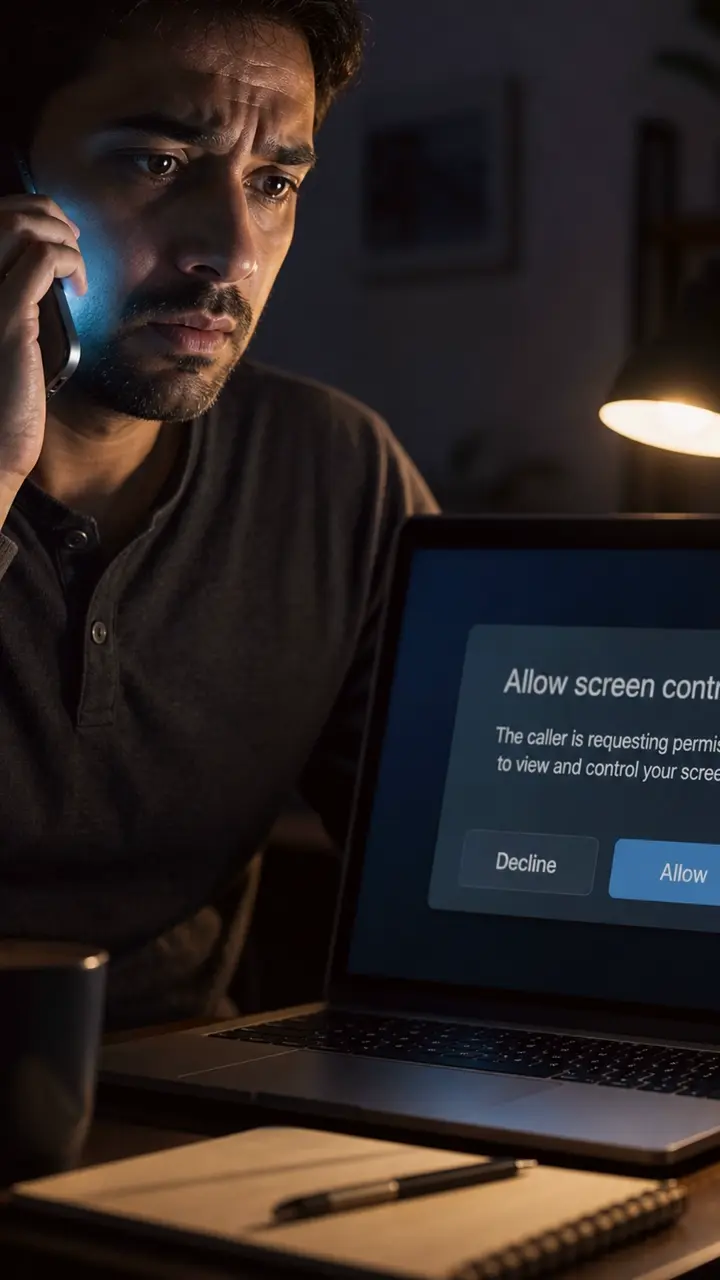
Remote Access Call
Real support does not need to control your screen.
Red flag: The caller asks you to install or approve a screen-control tool before you have verified them through an official route.
Safer move: End the call. Open the official app or website yourself and contact support from there.
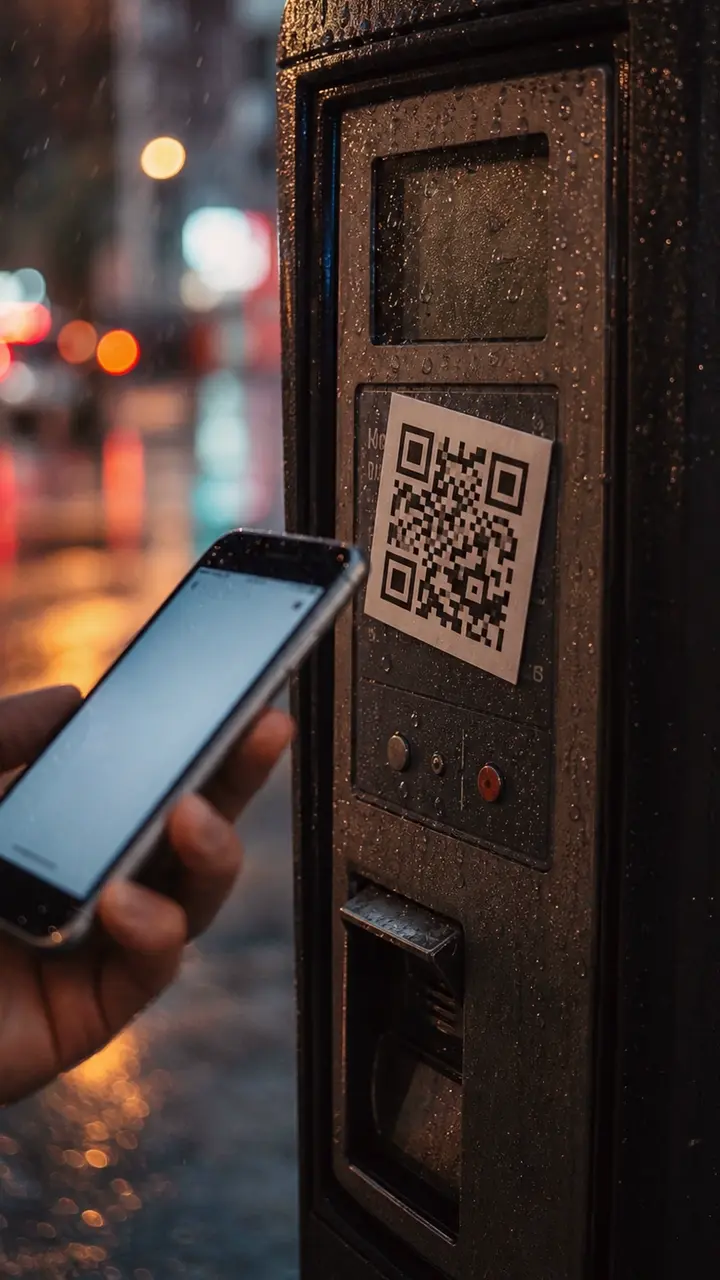
Parking QR Trap
That QR sticker can steal your parking payment.
Red flag: The QR code is a sticker placed over or beside the real parking instructions, and it sends you straight to a card-payment page.
Safer move: Do not pay from a random sticker QR. Use the official parking app, or type the address shown on the meter yourself.
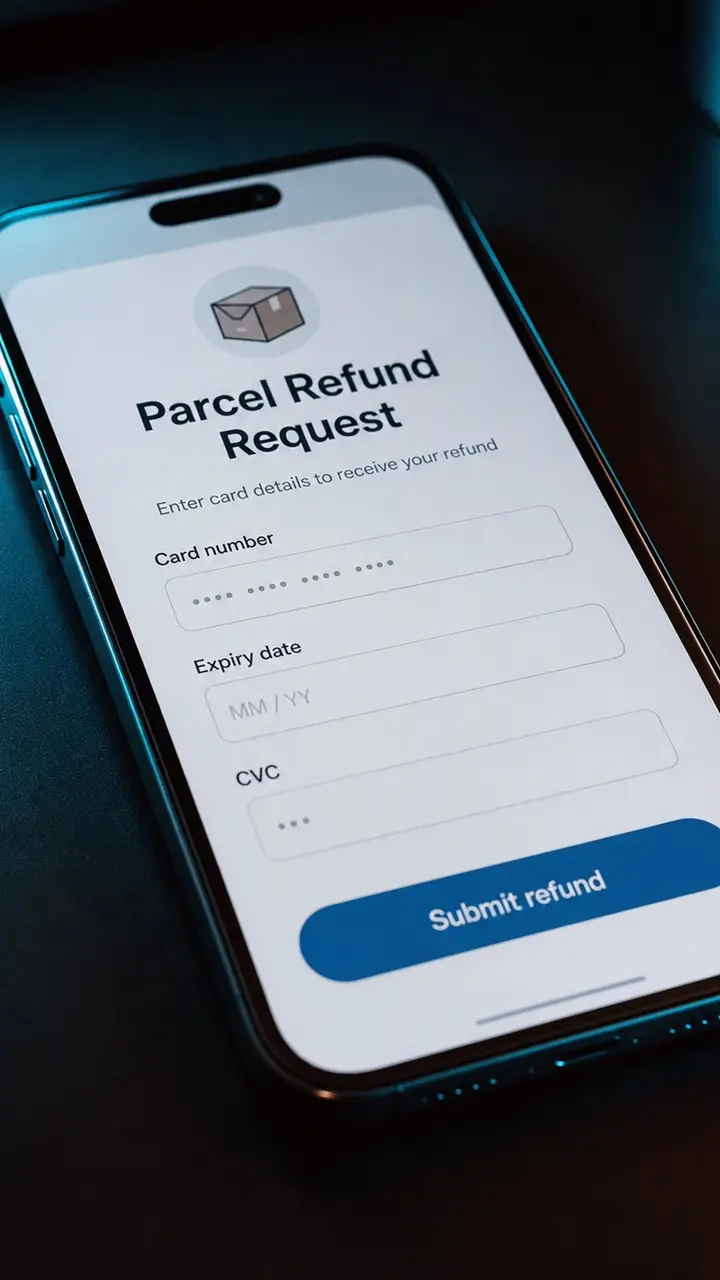
Refund Card Trap
A refund should not need your full card again.
Red flag: The page asks for full card details to receive a refund instead of sending the refund back to the payment method already used.
Safer move: Close the link. Open the delivery app or website yourself and check the refund or order status there.
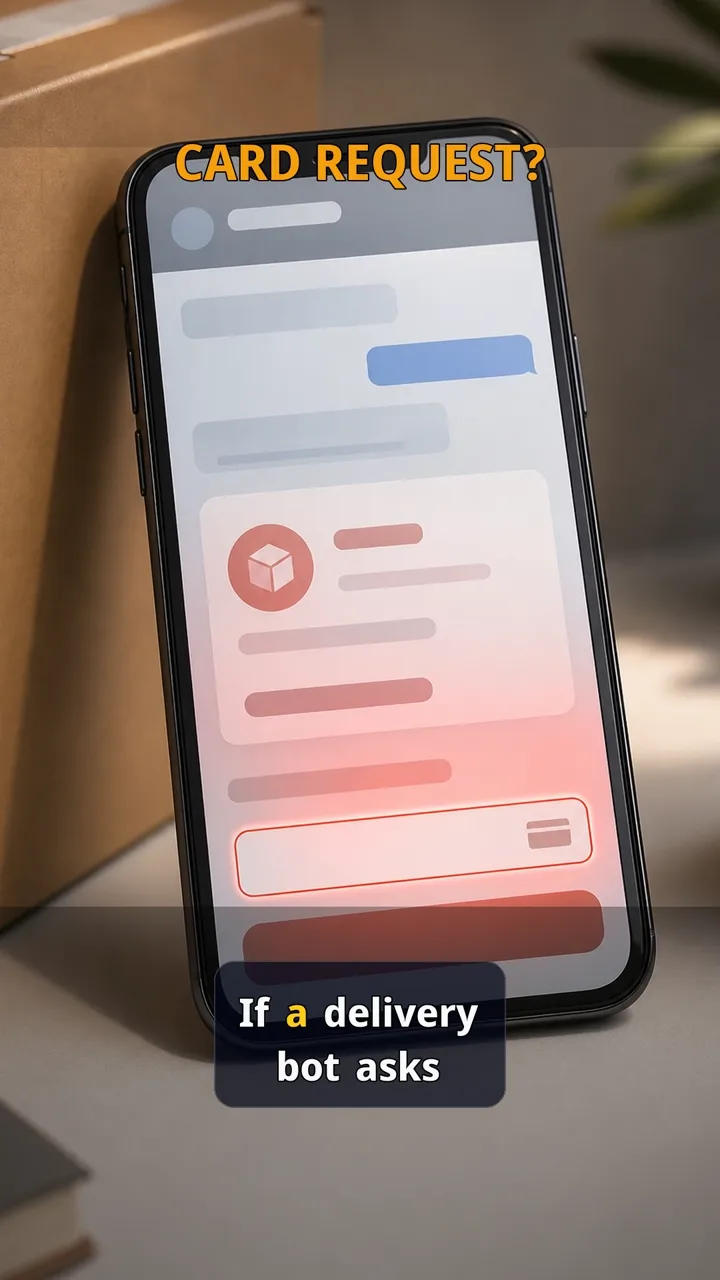
Delivery bot card trap
If a delivery bot asks for your card, stop.
Red flag: The message makes a tiny fee feel urgent, then asks for card details inside a chat or link flow.
Safer move: Close the chat and open the delivery app or typed website yourself. If the parcel is real, it will still be visible there.
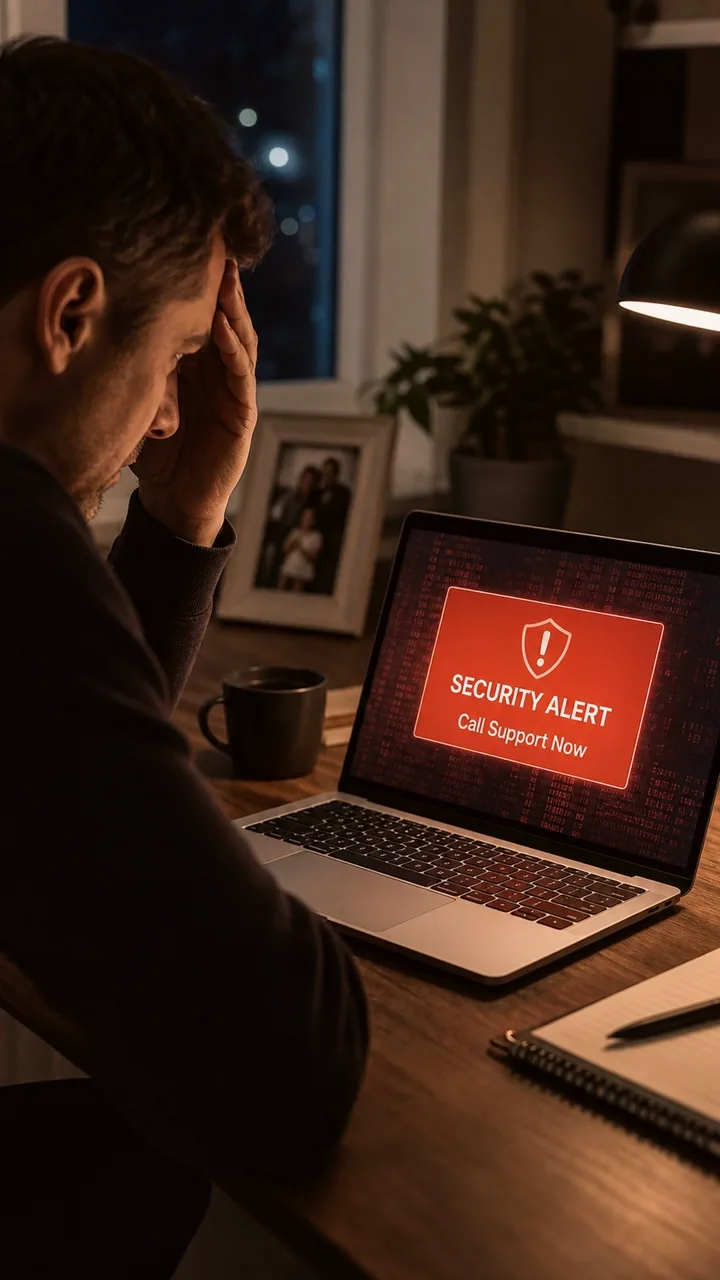
Fake Support Number
If you call the number inside a scary popup, the scam can start before you realise what happened.
Red flag: A popup creates panic and pushes you to call the number shown on the screen.
Safer move: Close the popup and open the real app or website yourself. Do not call a support number shown by a popup.
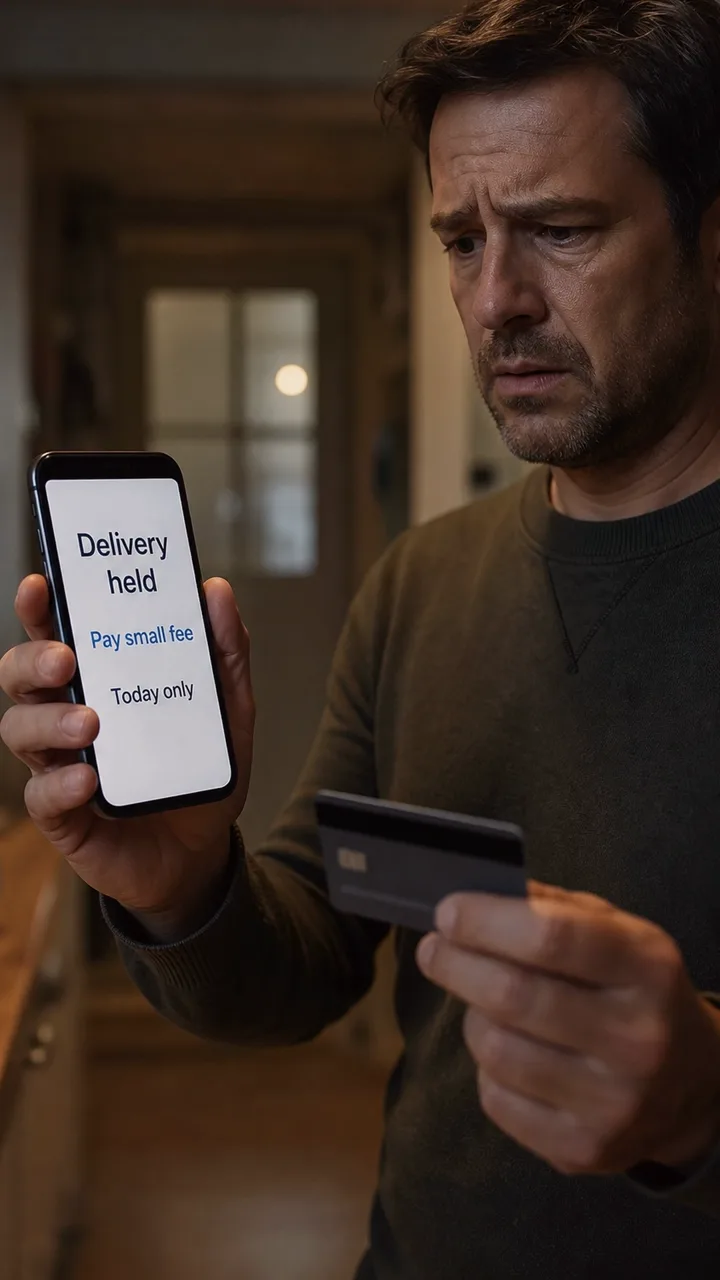
Small Delivery Fee
A tiny delivery fee can be the moment a scam gets your card details.
Red flag: The message asks you to pay from a link instead of checking delivery status through the official app or website yourself.
Safer move: Do not pay from the message link. Open the delivery app or website yourself and check the tracking there.
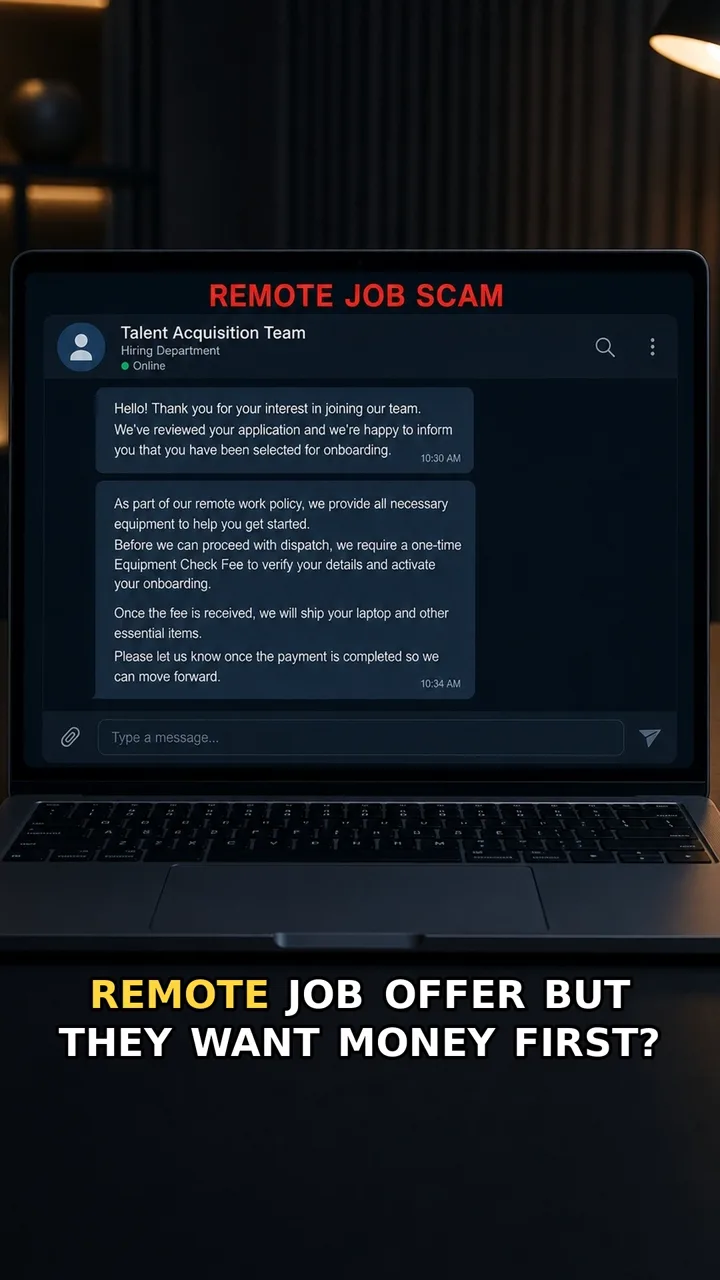
Fake Equipment Check
A remote job can look real until it asks you to pay before you earn.
Red flag: The job asks you to pay through a message link before payroll, paperwork, or verified company channels are in place.
Safer move: Do not pay from the chat. Verify the company and recruiter through a channel you find yourself, and never send card details or transfer money to start a job.
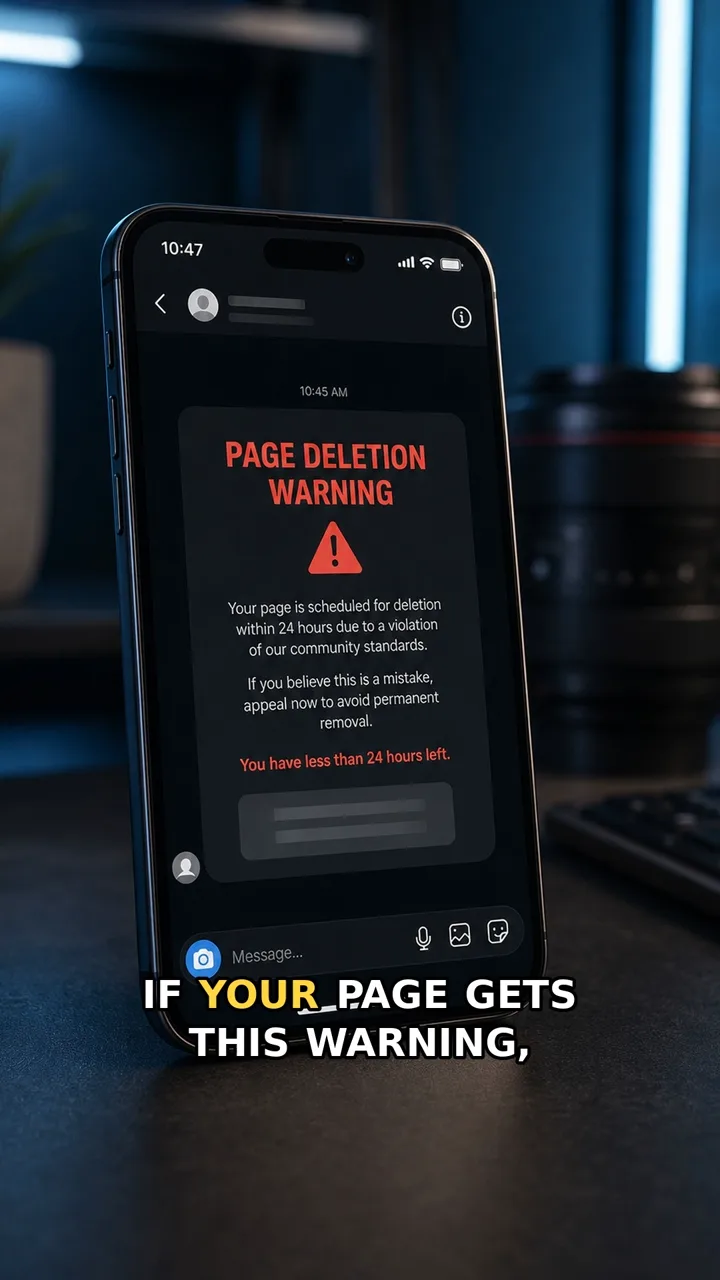
Fake Page Deletion Warning
A scary account warning can be fake even when it looks urgent.
Red flag: The warning tells you to appeal or log in through a link inside the message.
Safer move: Close the message. Open the platform from your normal app icon or bookmark, then check account alerts inside the real settings area.
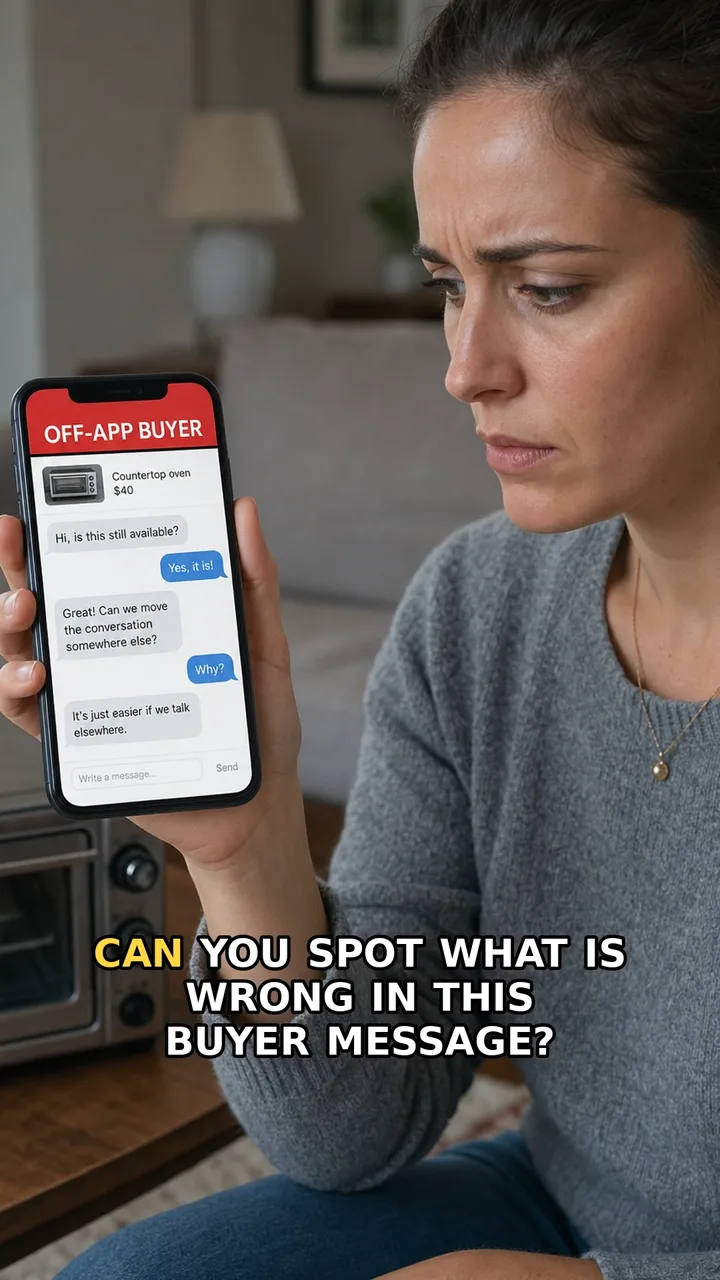
Marketplace Off-Platform Scam
A buyer can sound polite while quietly moving you away from the platform protection.
Red flag: The buyer moves chat, payment, or delivery outside the marketplace app.
Safer move: Keep chat and payment inside the marketplace app. If the buyer refuses, walk away.
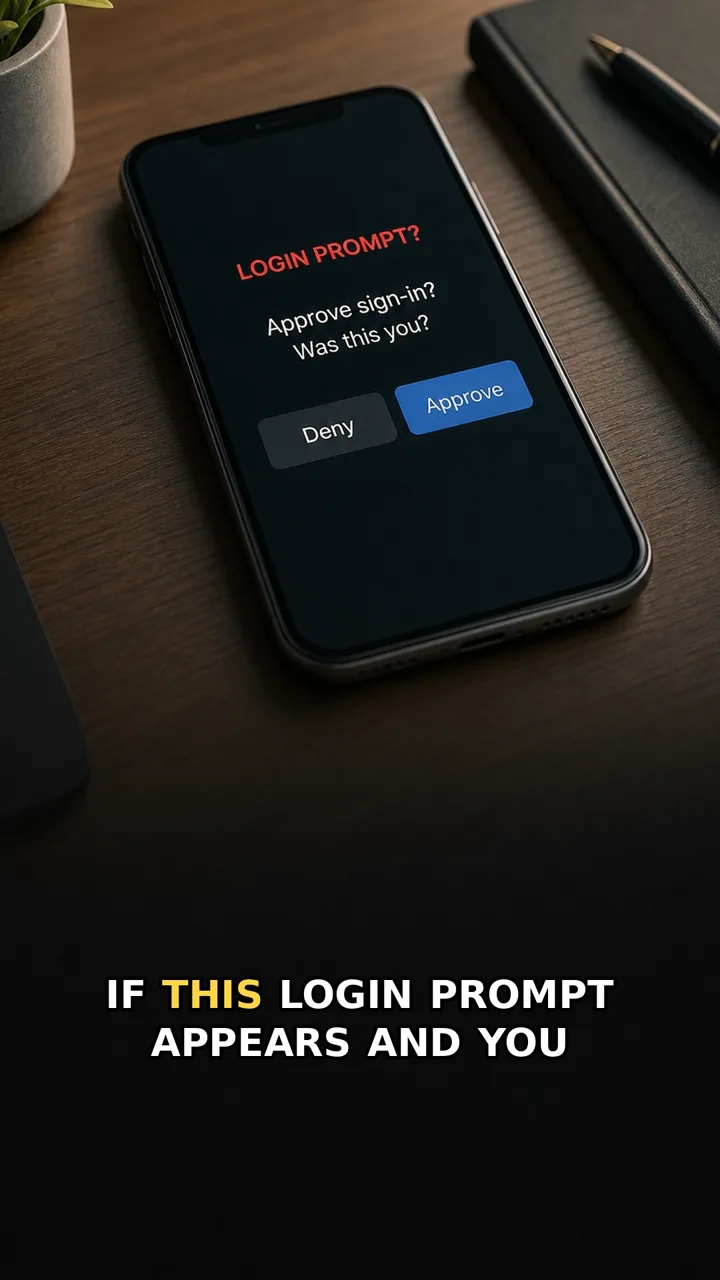
MFA Prompt You Didn’t Start
A login approval prompt can mean someone else is trying to enter your account.
Red flag: The approval prompt appears even though you did not just try to log in.
Safer move: Deny the request. Open the account yourself, change the password, and sign out of other sessions.
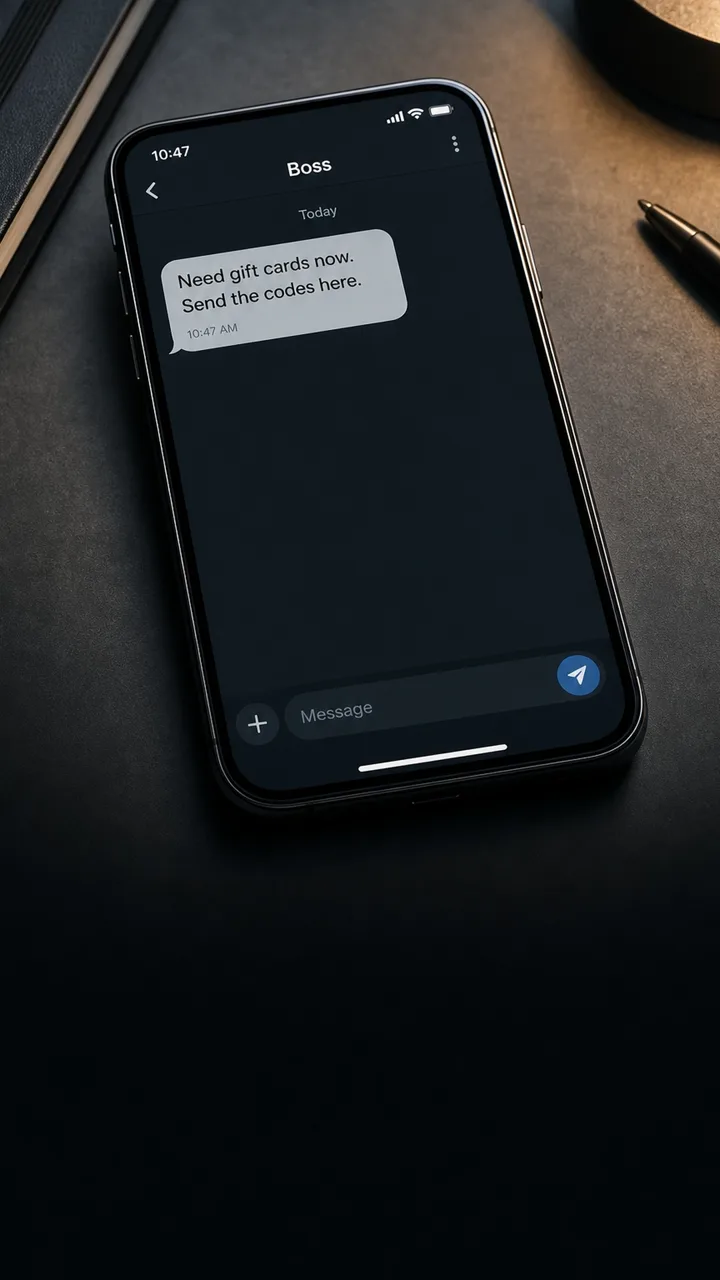
Boss Gift Cards
A message from your boss asking for gift cards can feel urgent — and that is the trap.
Red flag: The request combines urgency, secrecy, and gift card codes — especially if they say not to call or claim they are stuck in a meeting.
Safer move: Do not buy or send codes from the chat. Verify through a trusted work channel, a known phone number, or in person before spending anything.
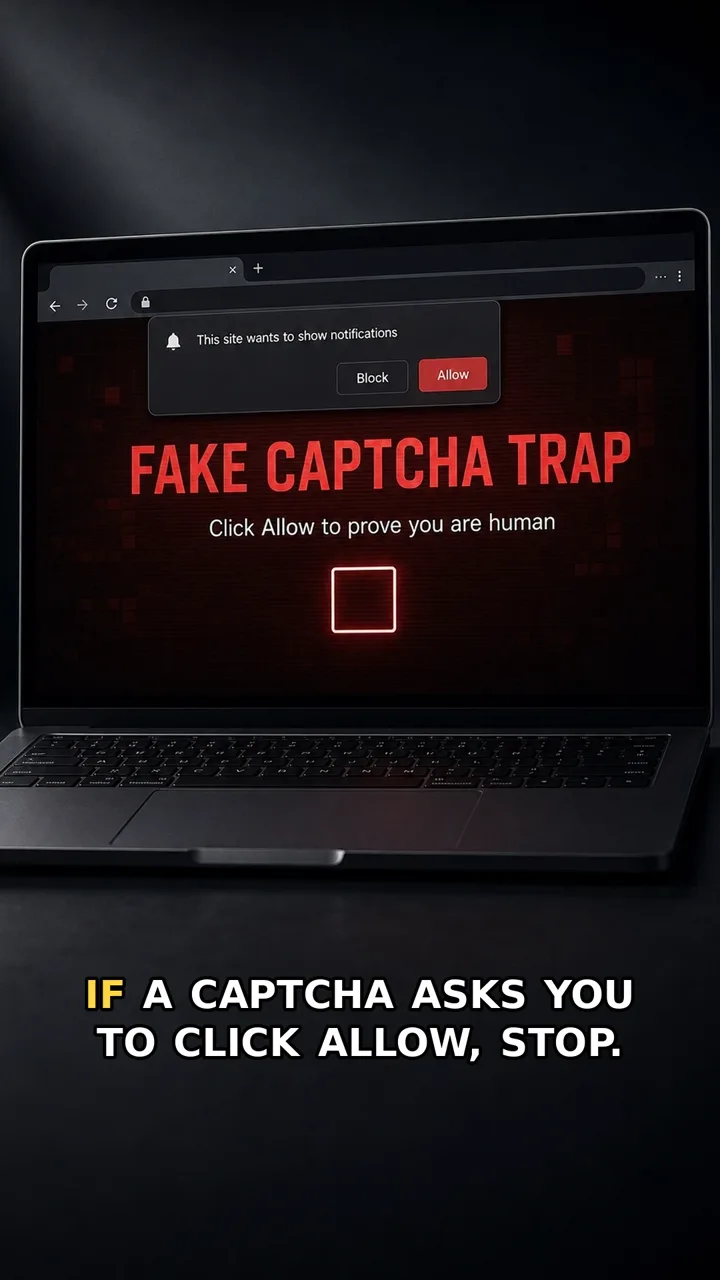
Fake CAPTCHA
A CAPTCHA should prove you are human — not ask for notification access.
Red flag: The page mixes a human-check with a notification permission request. A real CAPTCHA does not need permission to send alerts to your screen.
Safer move: Click Block, close the tab, and do not install anything from the page. If you already allowed it, remove the site from browser notification settings.
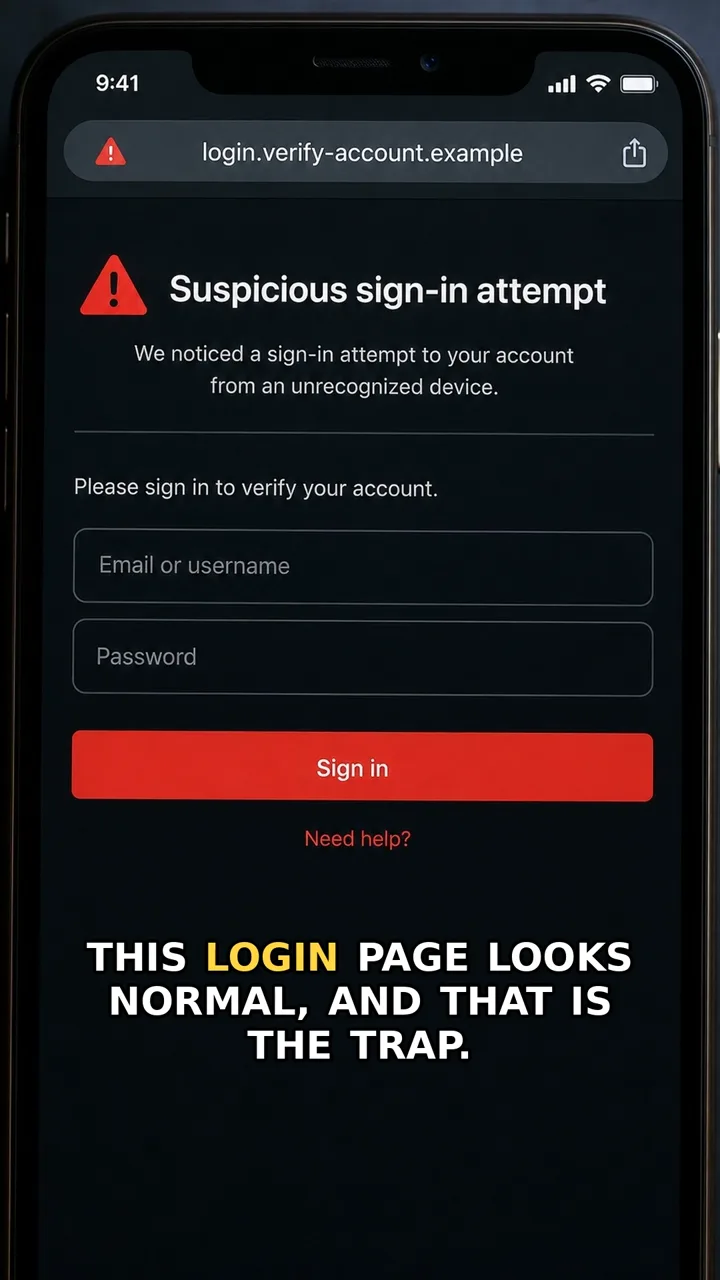
Fake Login Page
A login page can look normal and still steal your password.
Red flag: The page asks for your password after a scary message, but the address bar is long, unfamiliar, misspelled, or not the site you normally use.
Safer move: Close the message link and open the real app or website yourself. If the alert is real, it will still appear after you sign in safely.
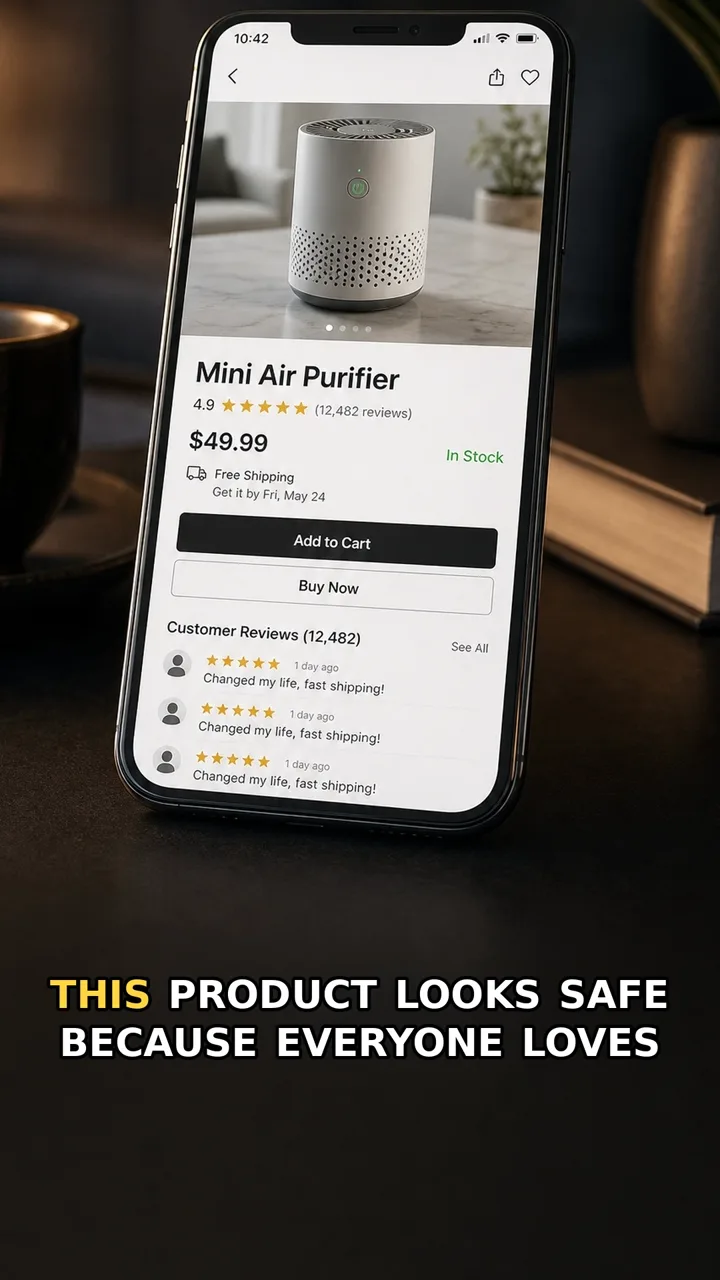
Fake Reviews
A wall of perfect reviews can make a risky shop feel safe.
Red flag: Many reviews sound copied, vague, or posted in a short time window.
Safer move: Read the newest low-star reviews, check for repeated wording, and search the shop name outside the shopping page before you buy.
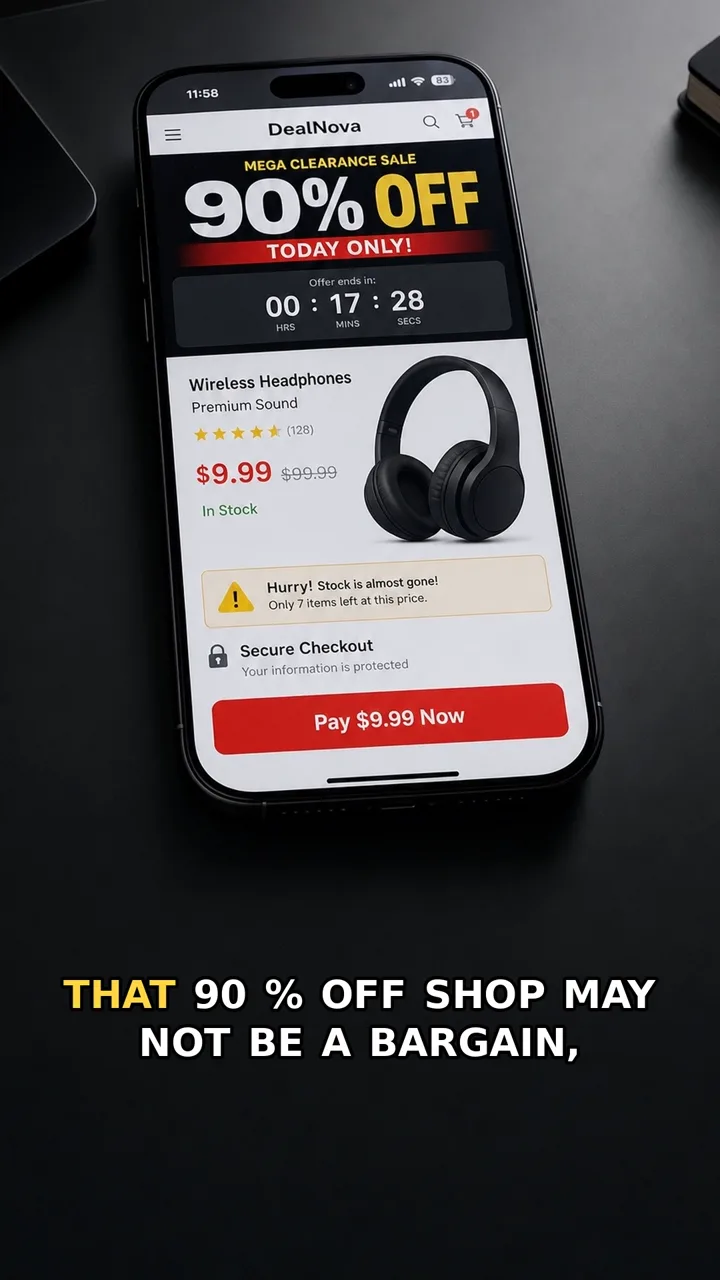
Fake Shop
A store can look polished and still be built only to take your payment.
Red flag: The price is too good, the timer pushes you to hurry, and the shop gives you no trustworthy way to verify who is behind it.
Safer move: Before paying, leave the shop page and check the store name, reviews, address, return policy, and contact details from independent sources.
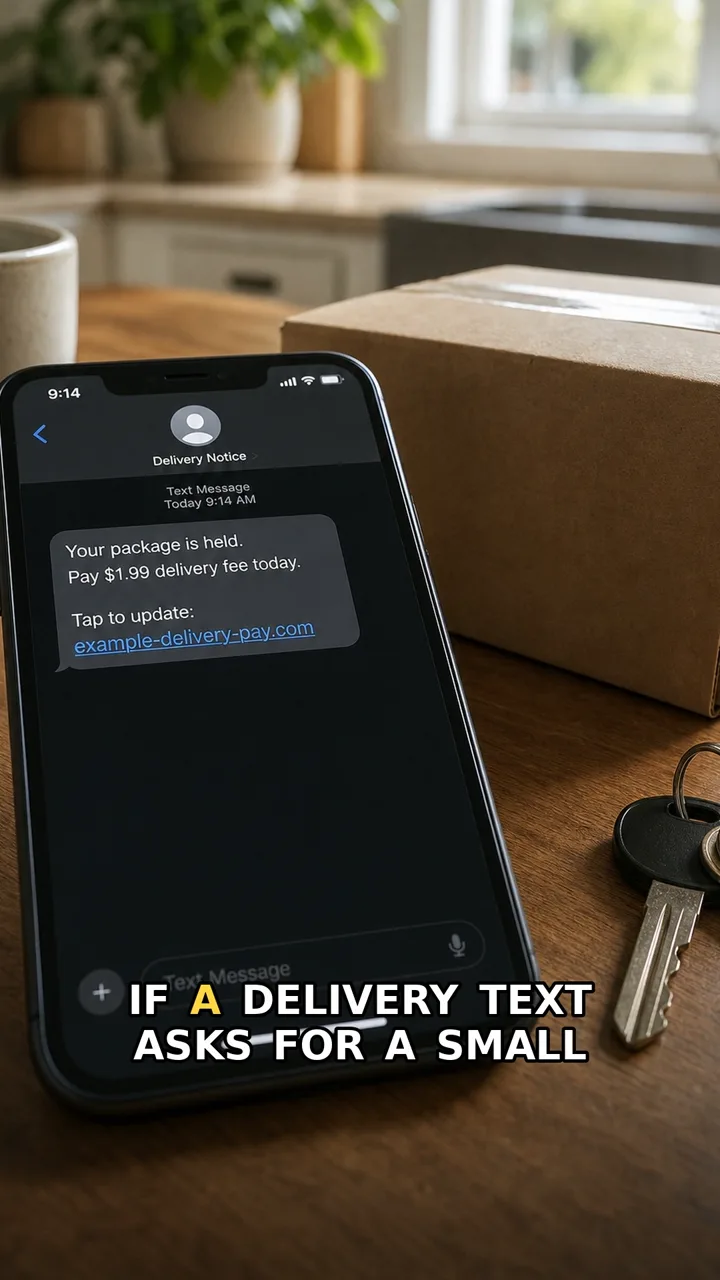
Delivery SMS Trap
This delivery text is designed to make you hurry.
Red flag: Pressure, a payment link, and a short deadline.
Safer move: Don’t tap the SMS link. Open the delivery app or official website yourself.
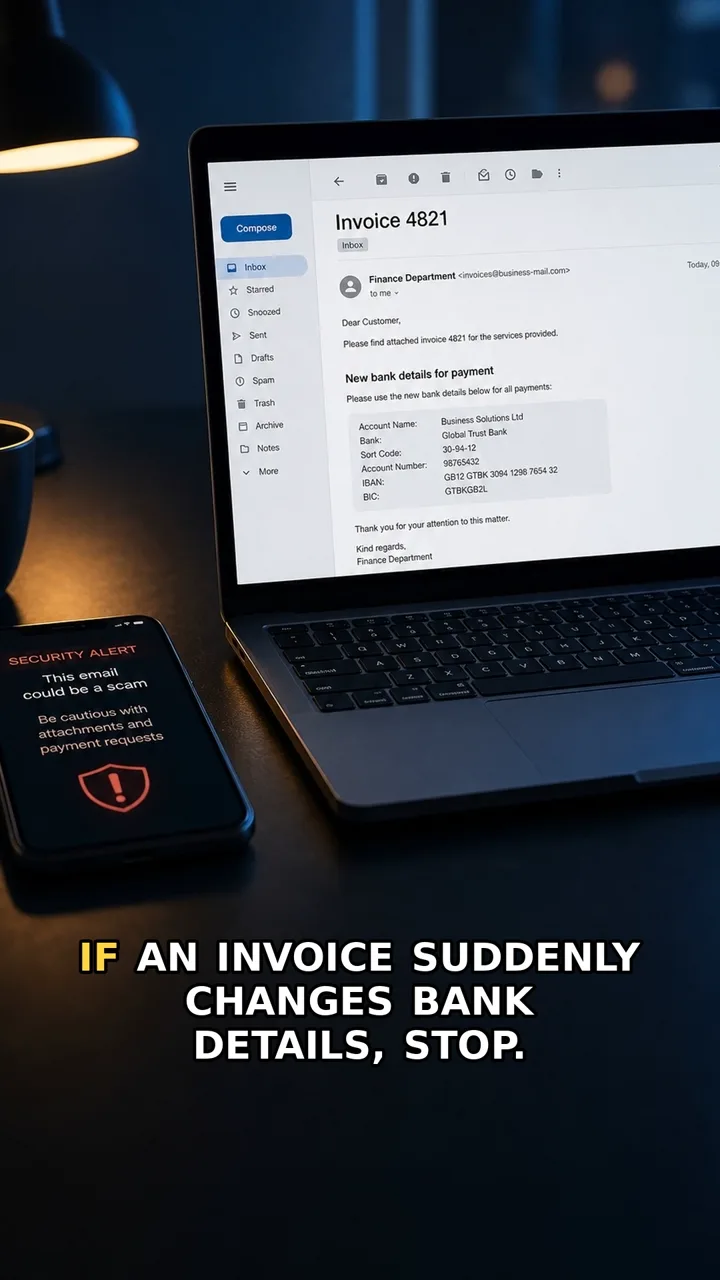
Invoice Payment Change
A normal invoice with one quiet payment change can move money to the wrong place.
Red flag: New payment details appear inside an email, especially with urgency or secrecy.
Safer move: Confirm payment changes through a trusted contact method you already had, not the email thread.
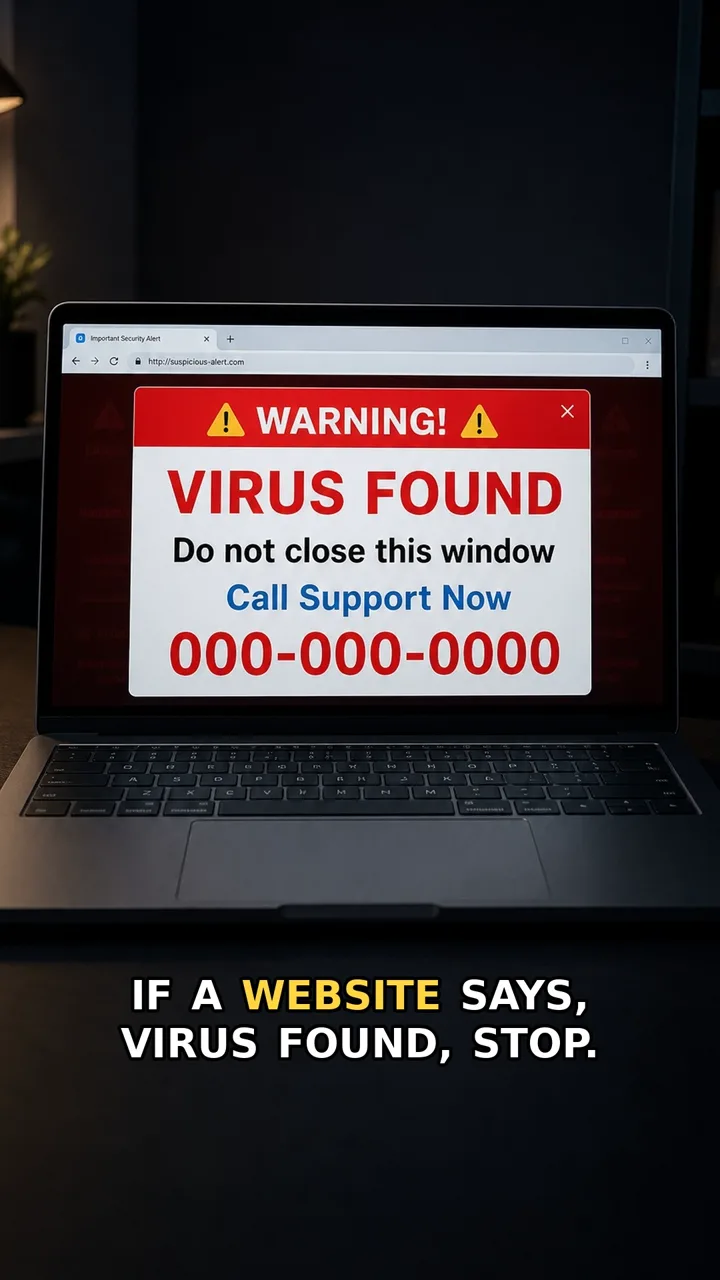
Fake Support Popup
Real support does not hijack your screen and demand a phone call.
Red flag: A popup says your device is infected and tells you to call support now.
Safer move: Do not call the number. Close the tab or browser, then open support from the official app or website if needed.