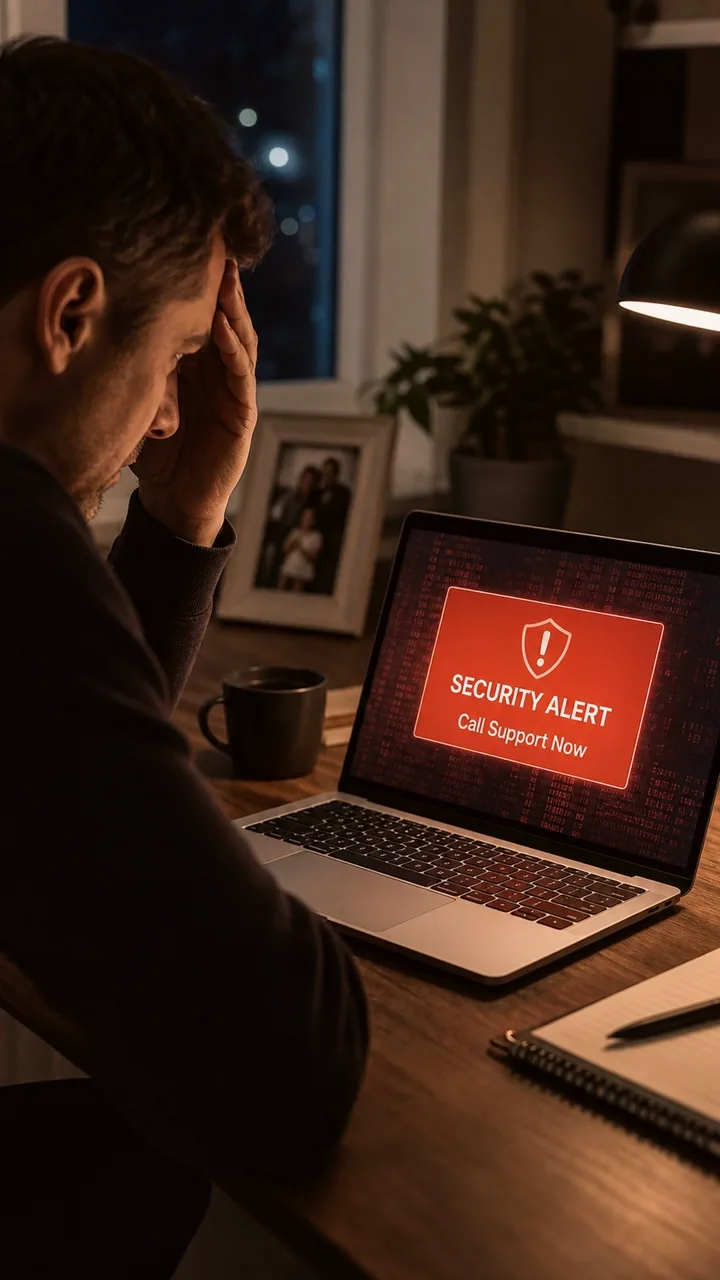
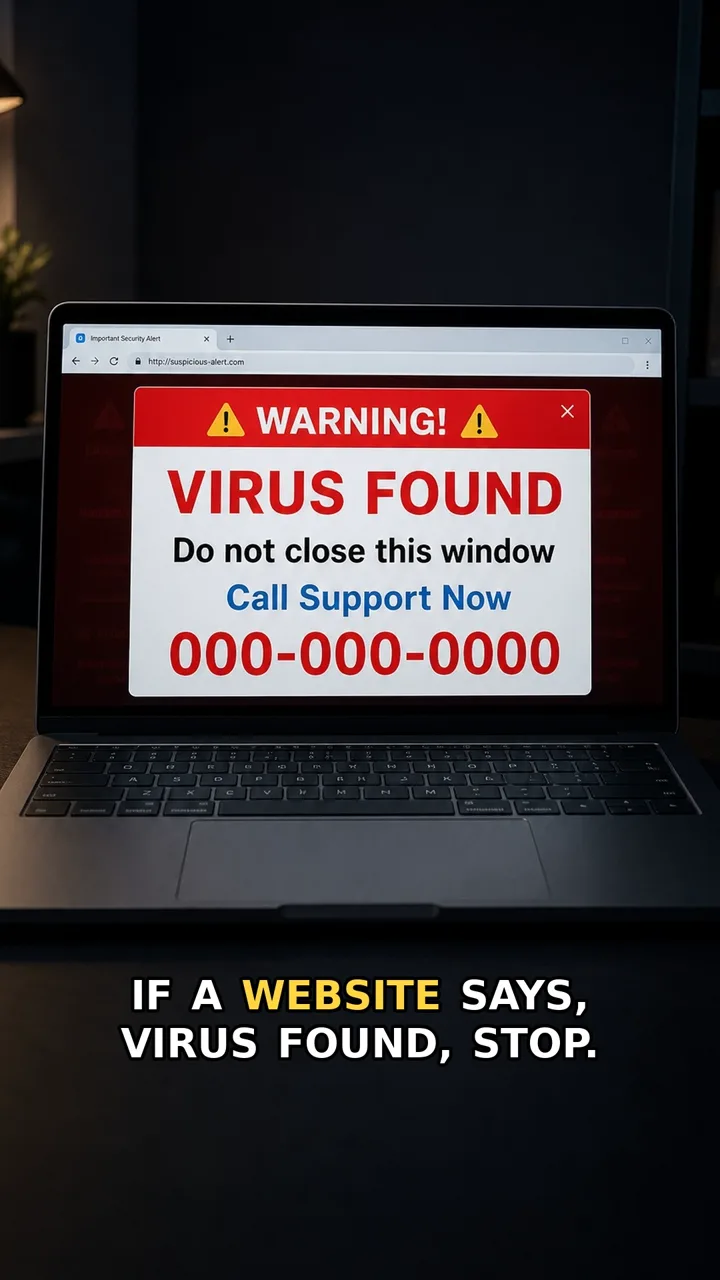
A support caller may sound calm and professional. The danger starts when they ask you to install or approve a tool that lets them control your screen.
Real support can guide you without taking over. If a caller asks for screen control, end the call. Open the official app or website yourself, then contact support from there.
Do this first
Next 5 minutes
- End the call. Open the official app or website yourself and contact support from there.
- If you only opened the tool or page, close it and do not approve control.
- If you gave screen control, disconnect the session, end the call, and contact the real provider through the official app or website.
- If you logged in, moved money, or entered card details while connected, contact your bank or provider through a trusted route and change affected passwords.
Then continue with the red flag and checklist below. If you already entered details or paid, open already-clicked help.
The red flag
The caller asks you to install or approve a screen-control tool before you have verified them through an official route.
Why it works
Screen sharing sounds like helpful support. But once a caller can control the screen, they can click, move money, change settings, or guide you past warnings while you watch.
Safer move
End the call. Open the official app or website yourself and contact support from there.
If you already clicked
- If you only opened the tool or page, close it and do not approve control.
- If you gave screen control, disconnect the session, end the call, and contact the real provider through the official app or website.
- If you logged in, moved money, or entered card details while connected, contact your bank or provider through a trusted route and change affected passwords.