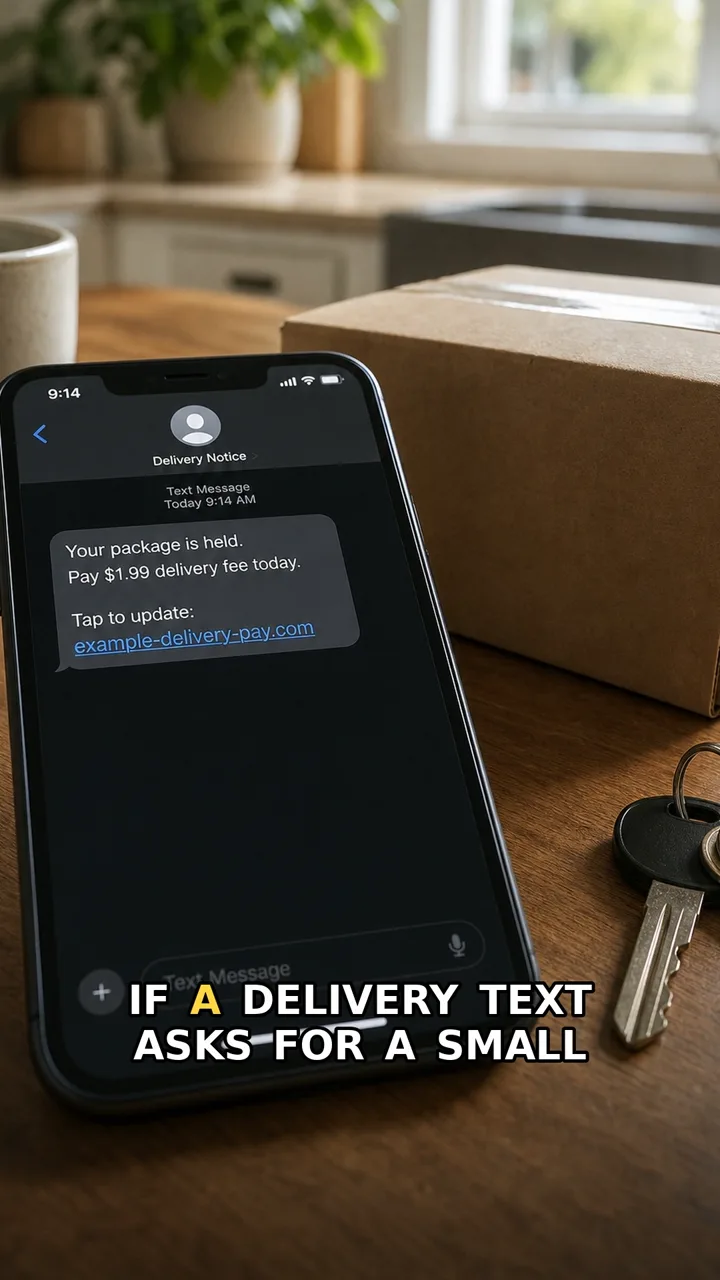
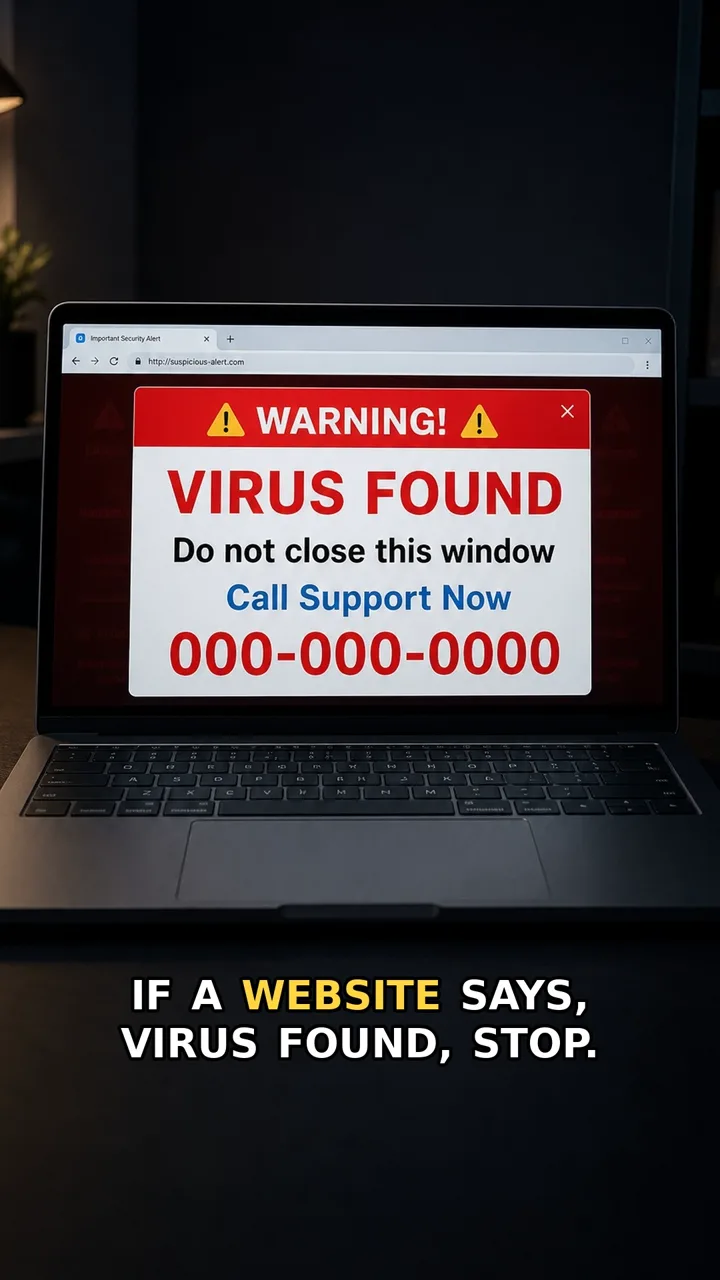
A payment-route scam does not always look messy. The email may use a real invoice, a real amount, and a familiar deadline.
The red flag is the new payment route. Confirm it outside the message before sending money.
Do this first
Next 5 minutes
- Confirm payment changes through a trusted contact method you already had, not the email thread.
- If you have not paid, pause and confirm the change through a trusted channel.
- If you already paid, contact your bank immediately and preserve the email trail.
- If your email account may be involved, change the password and turn on two-factor authentication.
Then continue with the red flag and checklist below. If you already entered details or paid, open already-clicked help.
The red flag
New payment details appear inside an email, especially with urgency or secrecy.
Why it works
The invoice can be real while the payment route is fake or changed by an attacker.
Safer move
Confirm payment changes through a trusted contact method you already had, not the email thread.
If you already clicked
- If you have not paid, pause and confirm the change through a trusted channel.
- If you already paid, contact your bank immediately and preserve the email trail.
- If your email account may be involved, change the password and turn on two-factor authentication.