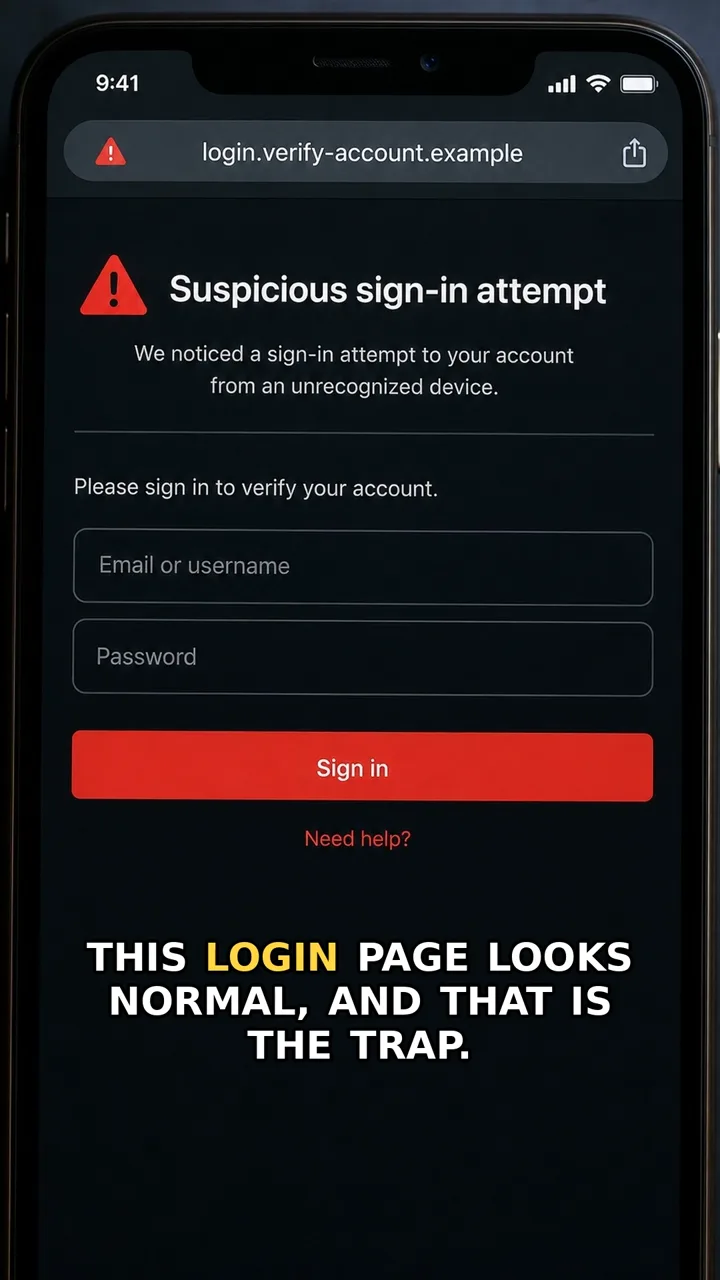
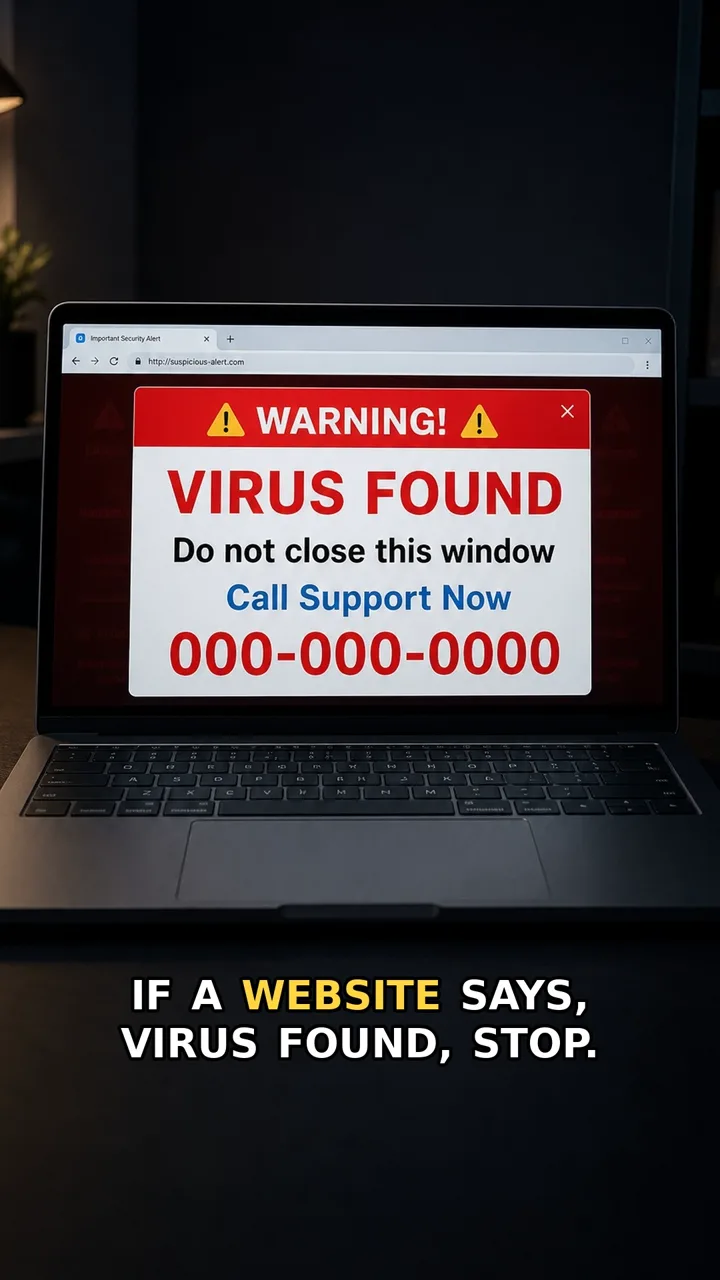
Fake CAPTCHA pages work because the interruption feels familiar. You expect a quick human-check, so a request to click Allow can feel like part of the process.
The safer move is simple: a CAPTCHA should not need notification permission. Block it, close the tab, and remove the site from notification settings if you already allowed it.
Do this first
Next 5 minutes
- Click Block, close the tab, and do not install anything from the page. If you already allowed it, remove the site from browser notification settings.
- If you clicked Allow, open browser notification settings and remove or block the suspicious site.
- If fake alerts appear, do not click them and do not call any number shown in the popup.
- If you installed anything from the page, uninstall it and run a trusted security scan.
Then continue with the red flag and checklist below. If you already entered details or paid, open already-clicked help.
The red flag
The page mixes a human-check with a notification permission request. A real CAPTCHA does not need permission to send alerts to your screen.
Why it works
People expect CAPTCHAs to interrupt browsing. Scammers use that familiar moment to make the Allow button feel like part of the verification step.
Safer move
Click Block, close the tab, and do not install anything from the page. If you already allowed it, remove the site from browser notification settings.
If you already clicked
- If you clicked Allow, open browser notification settings and remove or block the suspicious site.
- If fake alerts appear, do not click them and do not call any number shown in the popup.
- If you installed anything from the page, uninstall it and run a trusted security scan.