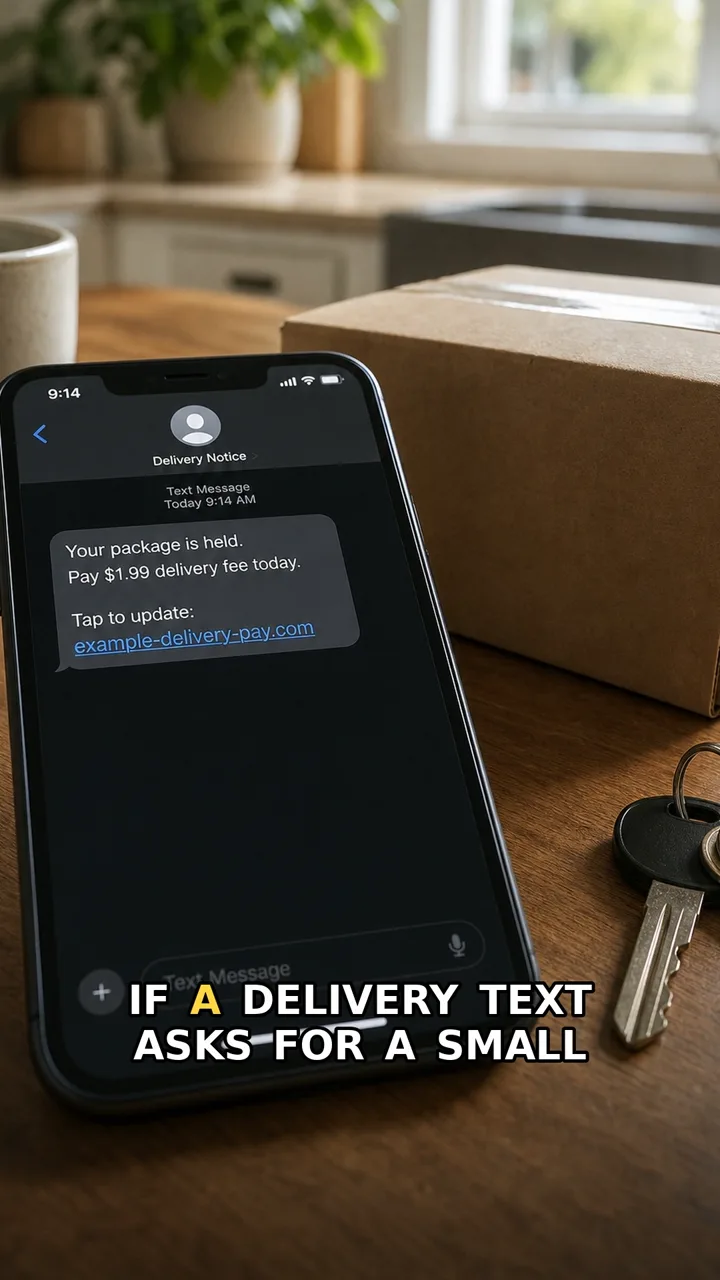
A small delivery fee can feel harmless. That is why the trick works: the amount looks tiny, but the payment page can still collect your card details.
The safer move is simple: do not pay from the message link. Open the delivery app or website yourself and check the tracking there. If the package or fee is real, you should be able to find it through a trusted route without using the message link.
Do this first
Next 5 minutes
- Do not pay from the message link. Open the delivery app or website yourself and check the tracking there.
- If you only opened the message, close it and check tracking through the official app or website yourself.
- If you entered card details, contact your bank or card provider through the saved app or number and ask how to block or monitor the card.
- If you reused a password on the payment page, change it from the real account page and turn on two-factor authentication.
Then continue with the red flag and checklist below. If you already entered details or paid, open already-clicked help.
The red flag
The message asks you to pay from a link instead of checking delivery status through the official app or website yourself.
Why it works
The amount feels small, so the payment can feel harmless. That is the trick: the fee is less important than the card details you enter.
Safer move
Do not pay from the message link. Open the delivery app or website yourself and check the tracking there.
If you already clicked
- If you only opened the message, close it and check tracking through the official app or website yourself.
- If you entered card details, contact your bank or card provider through the saved app or number and ask how to block or monitor the card.
- If you reused a password on the payment page, change it from the real account page and turn on two-factor authentication.