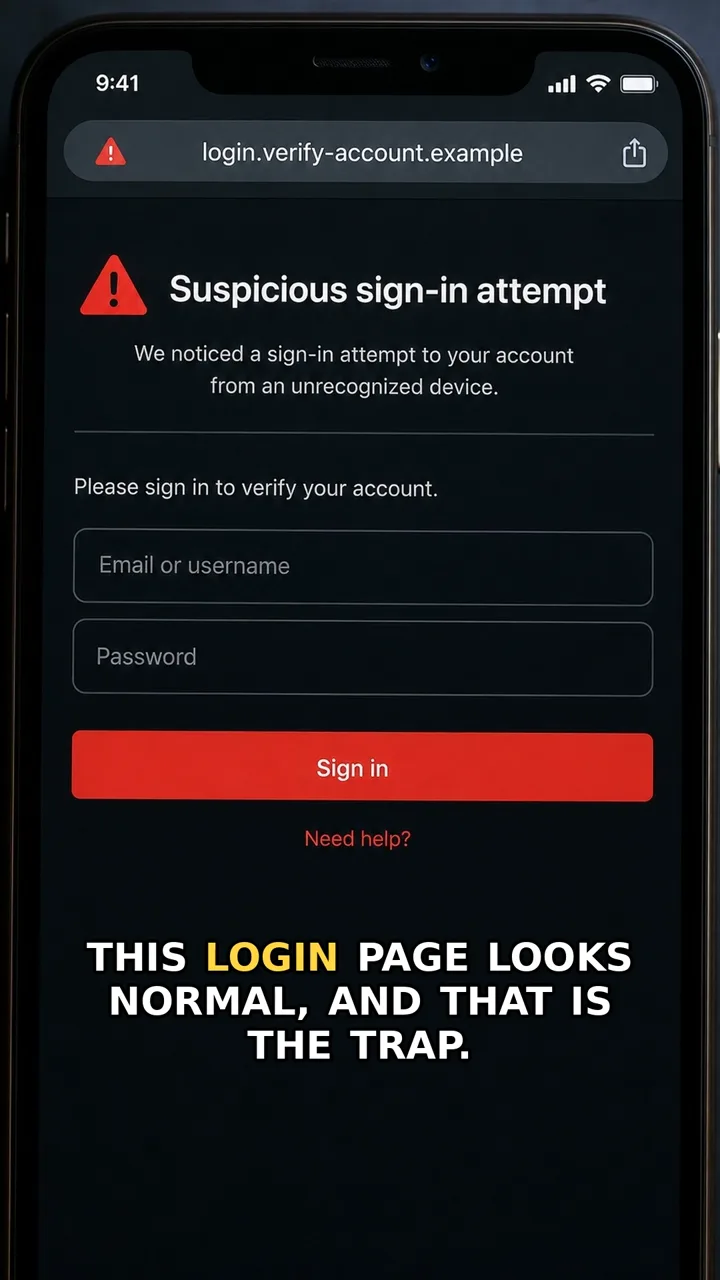
A surprise login approval prompt can look like a normal security step. But if you did not just try to sign in, it is a red flag.
The risk is simple: someone else may already know the password. They are waiting for you to approve the second factor, because that approval can let them into the account.
The safer move is to deny the request. Then open the account yourself from the official app or website, change the password, and sign out of other sessions. If prompts keep coming, treat the account as compromised.
Do this first
Next 5 minutes
- Deny the request. Open the account yourself, change the password, and sign out of other sessions.
- If you approved a login you did not start, open the account from the official app or website immediately.
- Change the password, sign out of other sessions, and review recent activity or connected devices.
- If you see unfamiliar activity, treat the account as compromised and use the official account recovery or support path.
Then continue with the red flag and checklist below. If you already entered details or paid, open already-clicked help.
The red flag
The approval prompt appears even though you did not just try to log in.
Why it works
People often tap approve to make a repeated notification disappear, but the attacker may already have the password and only needs the second factor approved.
Safer move
Deny the request. Open the account yourself, change the password, and sign out of other sessions.
If you already clicked
- If you approved a login you did not start, open the account from the official app or website immediately.
- Change the password, sign out of other sessions, and review recent activity or connected devices.
- If you see unfamiliar activity, treat the account as compromised and use the official account recovery or support path.