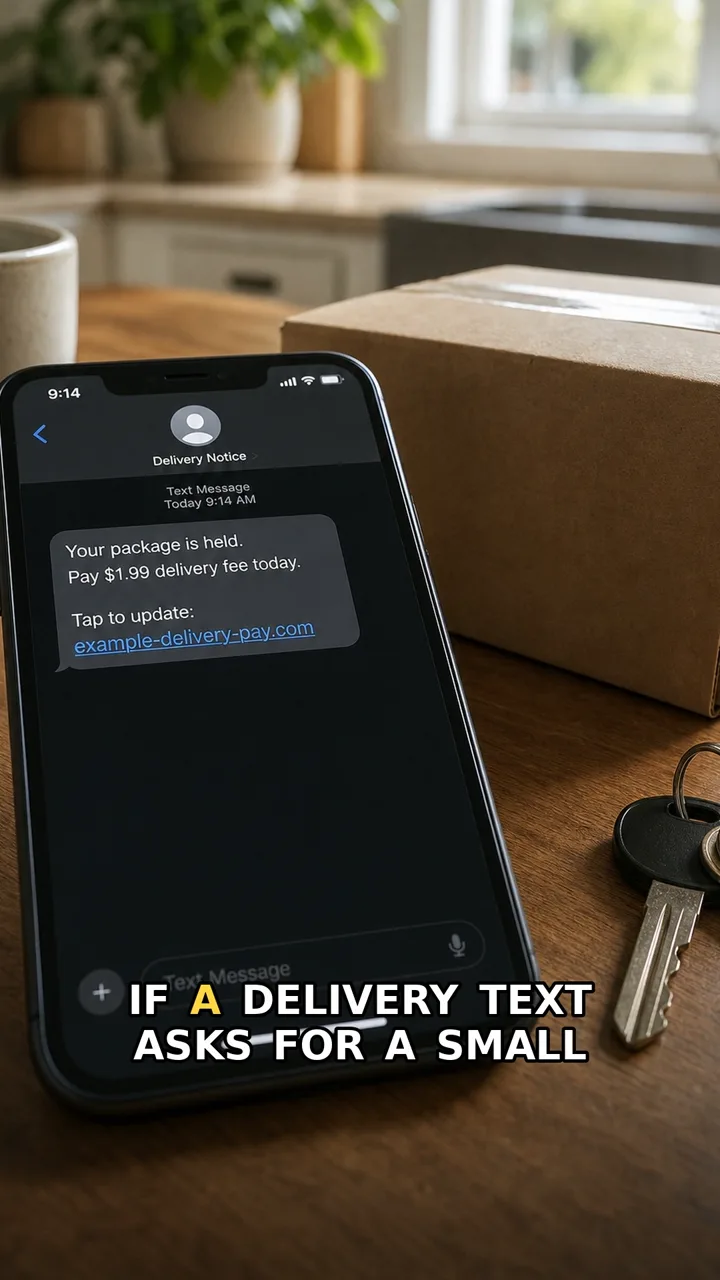
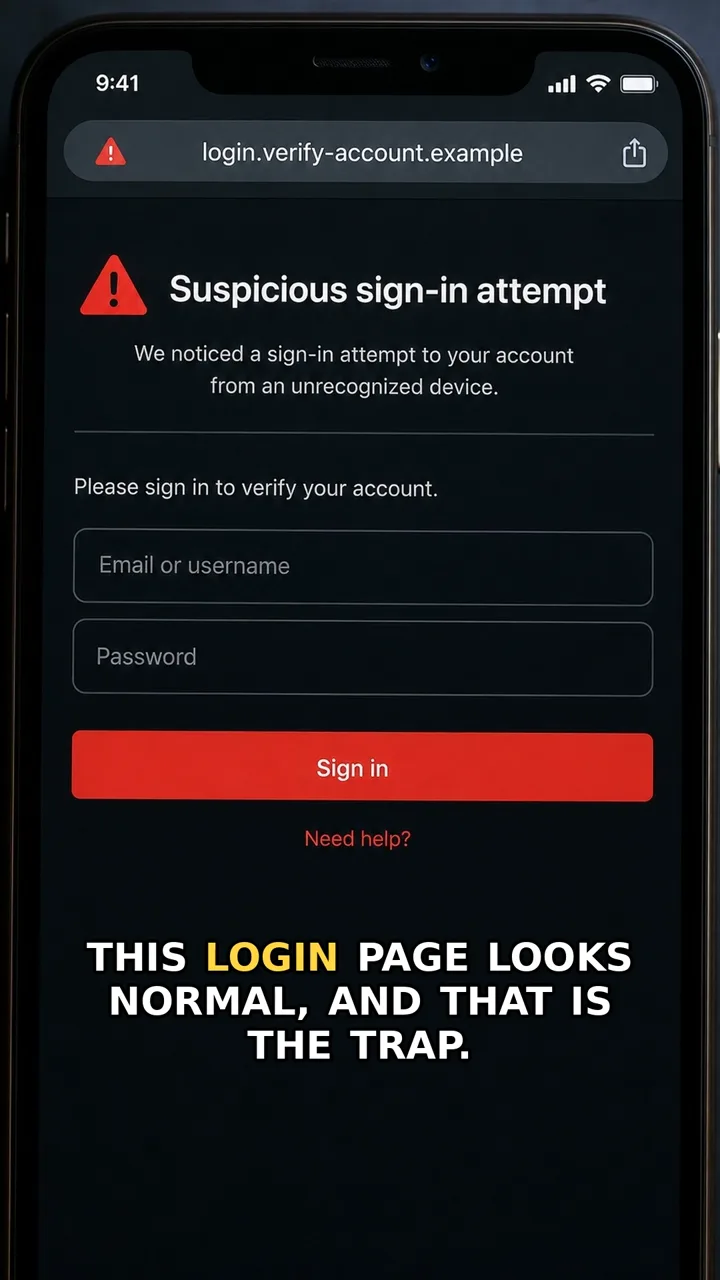
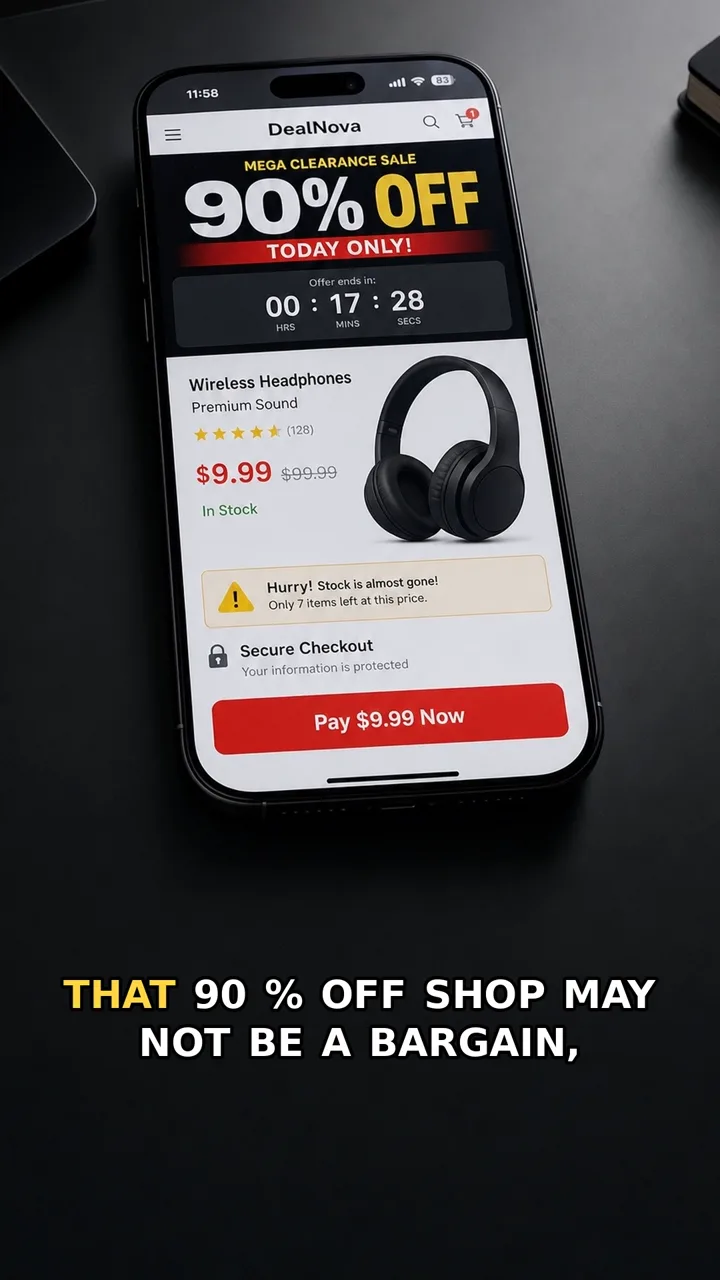
A delivery message can look routine: a parcel, a tiny fee, a quick card update. That is exactly why this trap works. The amount feels harmless, but the fee is not the goal — your card details are.
The safer move is boring and effective: close the chat, open the delivery app or typed website yourself, and check the parcel there. If the parcel is real, it will still be visible outside the message flow.
This guide is based on a private-review TrueTraceShorts video. The public video link is intentionally hidden until the YouTube Short is public.
Do this first
Next 5 minutes
- Close the chat and open the delivery app or typed website yourself. If the parcel is real, it will still be visible there.
- Do not enter or save card details in the chat flow.
- If you entered card details, contact your card issuer and freeze or replace the card.
- Check recent transactions and dispute anything you do not recognise.
Then continue with the red flag and checklist below. If you already entered details or paid, open already-clicked help.
The red flag
The message makes a tiny fee feel urgent, then asks for card details inside a chat or link flow.
Why it works
Small amounts feel harmless, so people focus on finishing the delivery step instead of questioning why a random chat needs card details.
Safer move
Close the chat and open the delivery app or typed website yourself. If the parcel is real, it will still be visible there.
If you already clicked
- Do not enter or save card details in the chat flow.
- If you entered card details, contact your card issuer and freeze or replace the card.
- Check recent transactions and dispute anything you do not recognise.
- Change passwords only from the real app or typed website if you reused login details.