 TrueTrace
Scam self-defense for normal people
Got a suspicious message? Don’t click yet.
Pick what happened and get one calm next step before you tap, call, pay, or log in.
If money, login details, card details, or identity documents are involved, act now.
No login. No form. No judgement. Just clear steps.
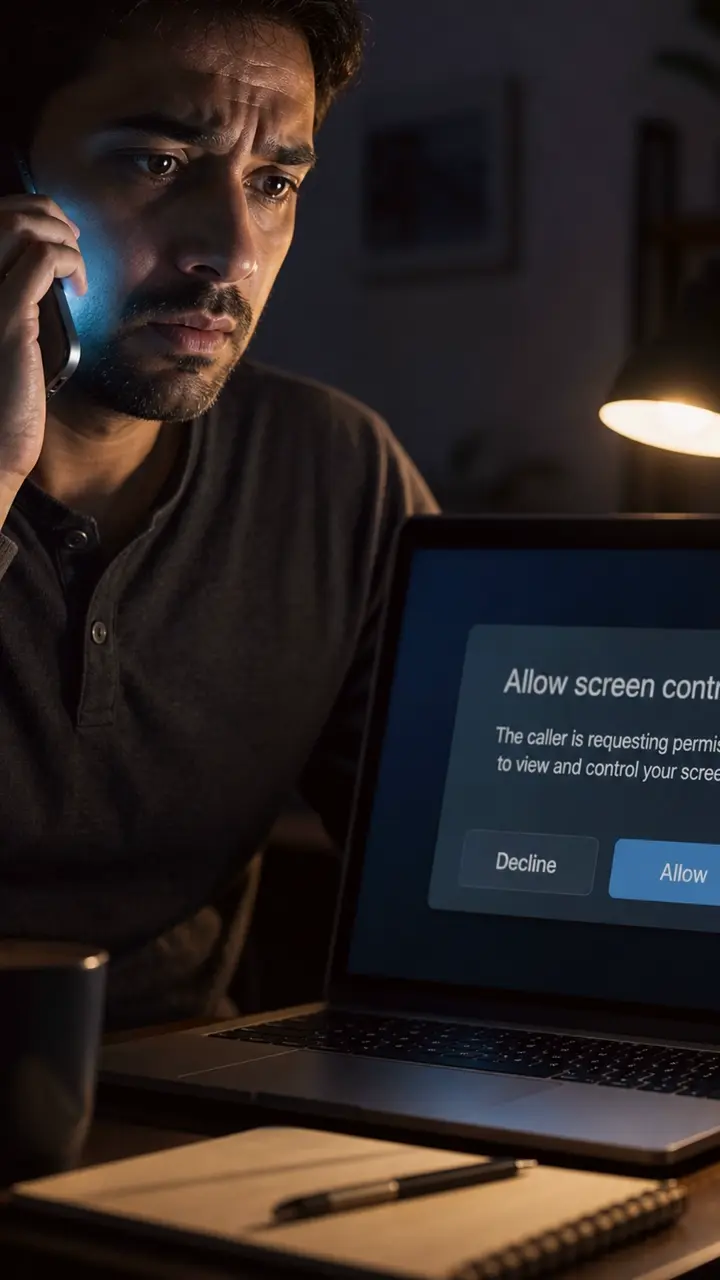
A caller on the phone while a laptop shows a generic screen-control permission request.
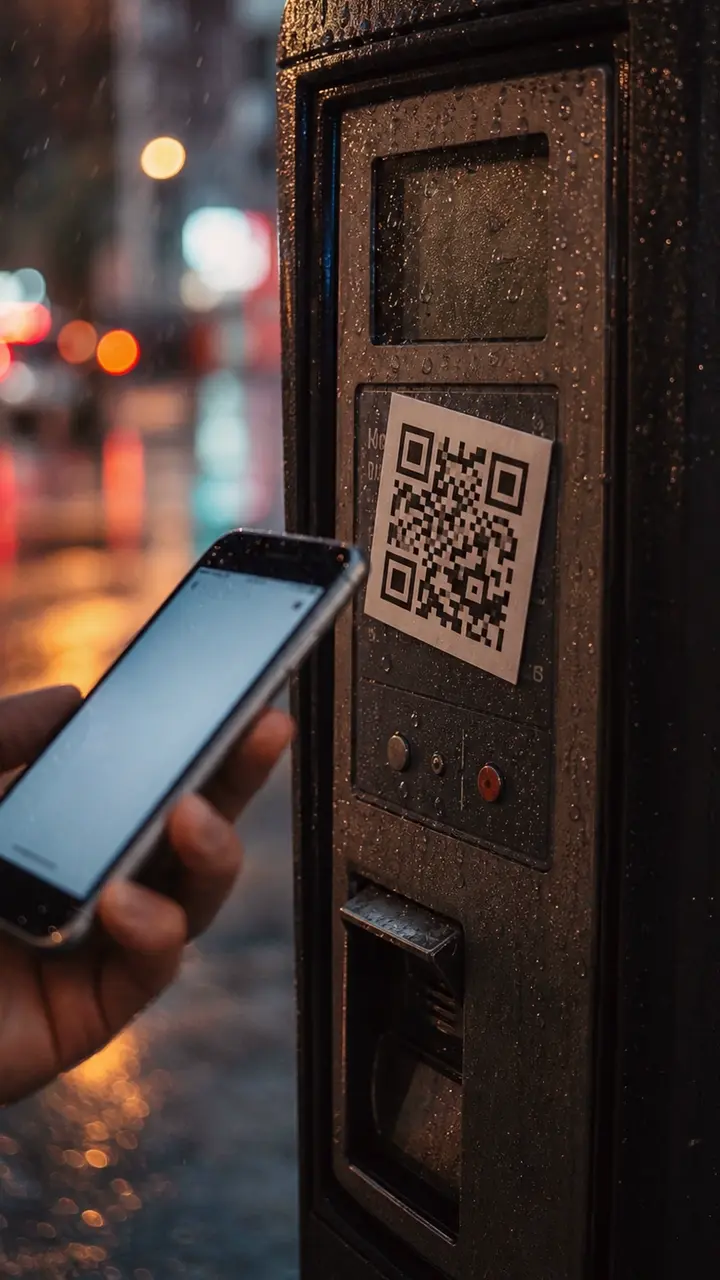
A public parking meter with an extra QR-code sticker and a phone opening a payment page.
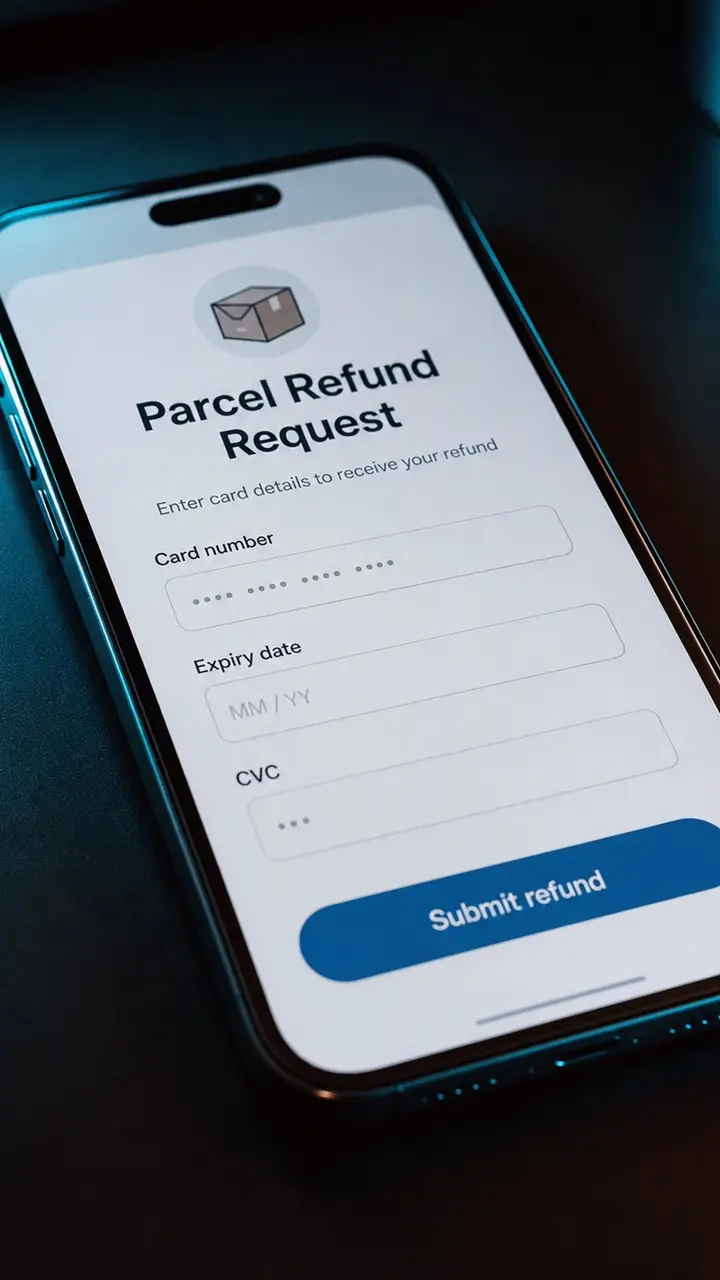
A refund page that says money is coming back, but asks for card number, expiry date, and CVC.
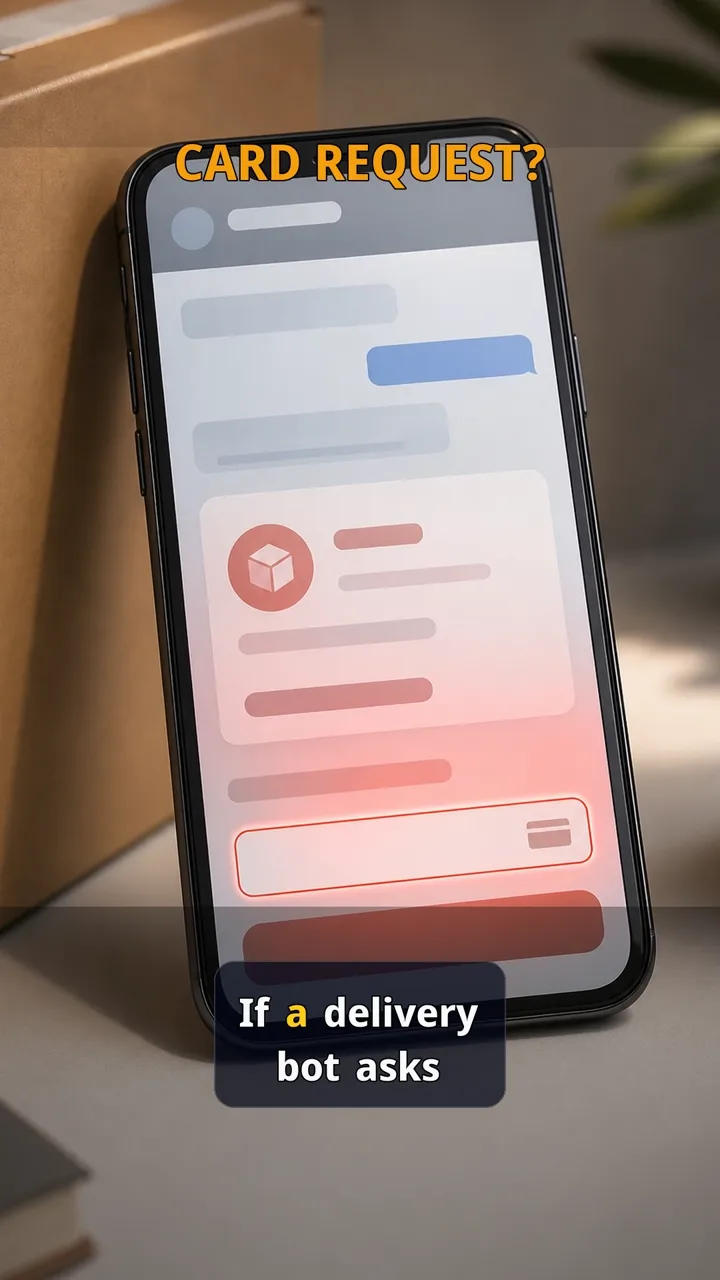
A delivery chat or bot asks for a small fee, card update, or payment details before you can continue.
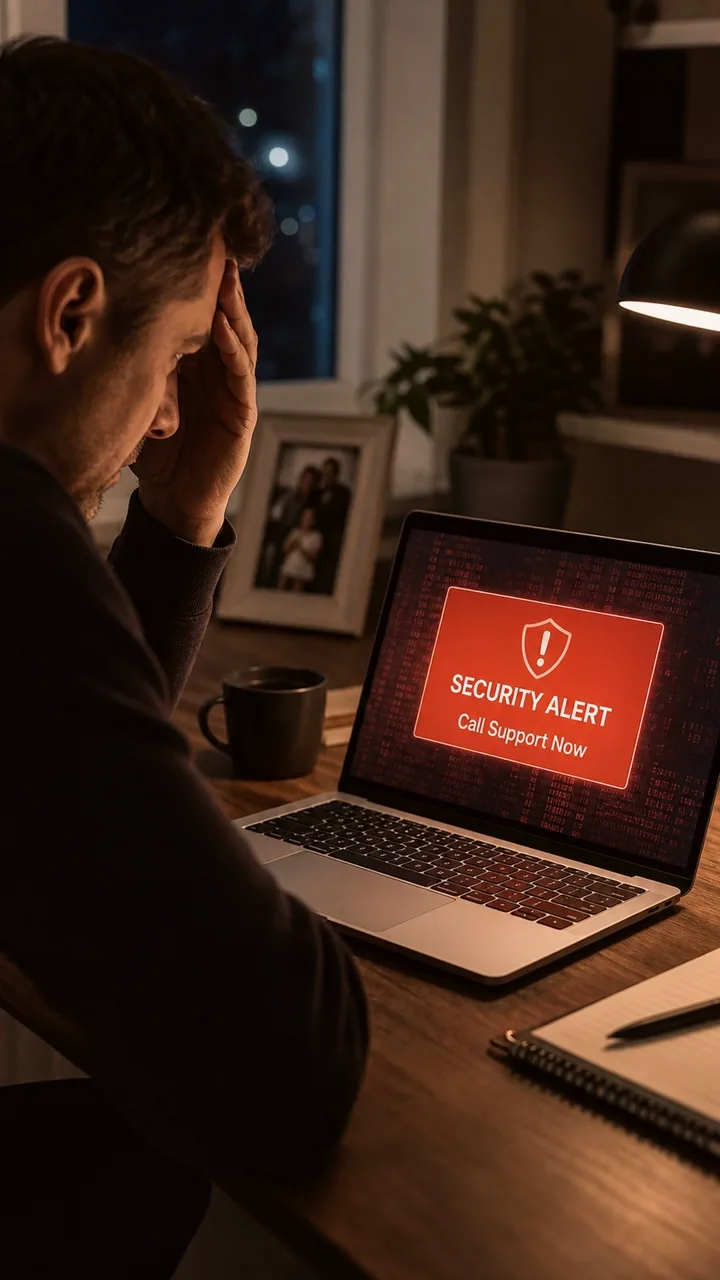
A scary support or security popup telling you to call support immediately.
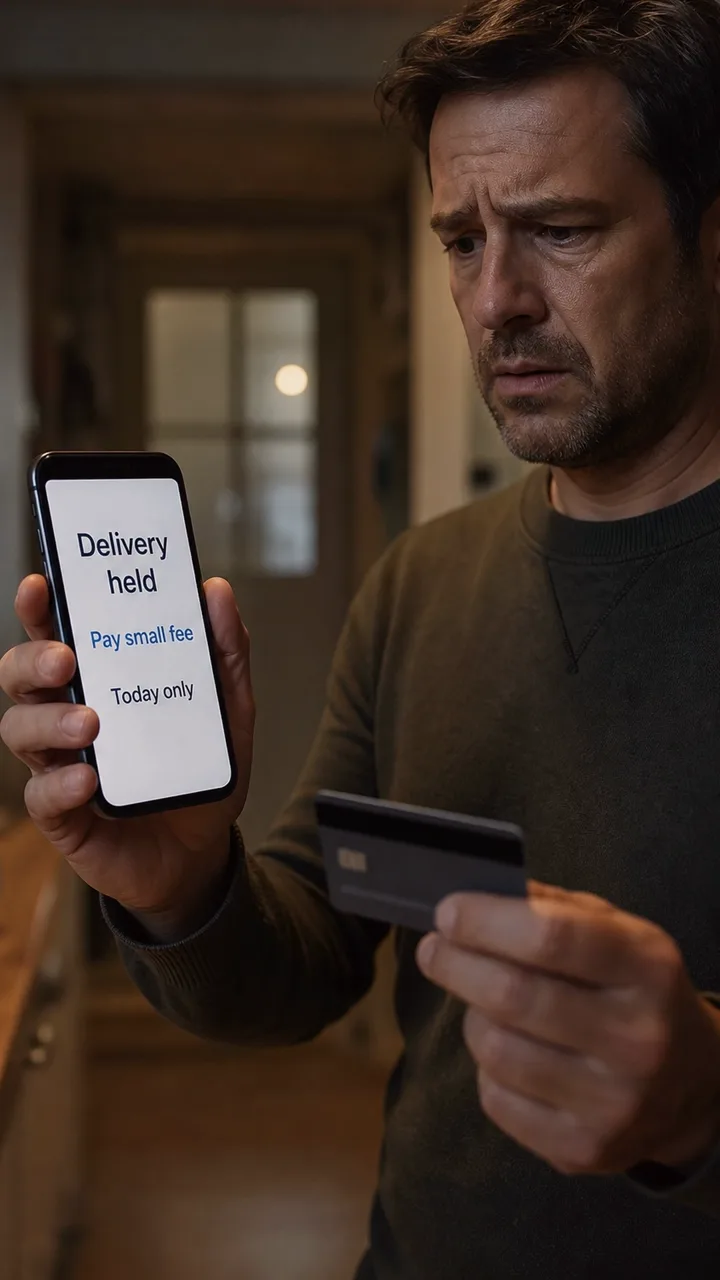
A delivery message or payment page saying your package is held until you pay a small fee.
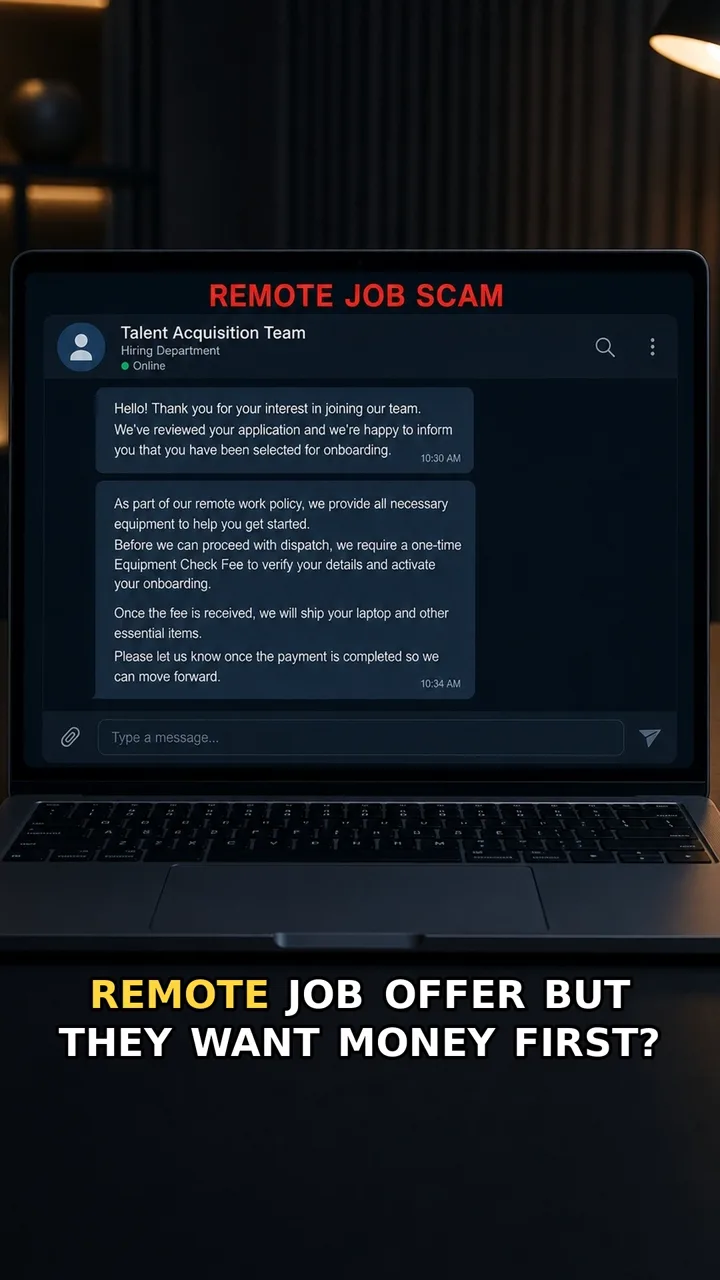
A hiring chat or onboarding message says you are selected, then asks for an equipment check fee, laptop kit payment, training fee, or setup charge.
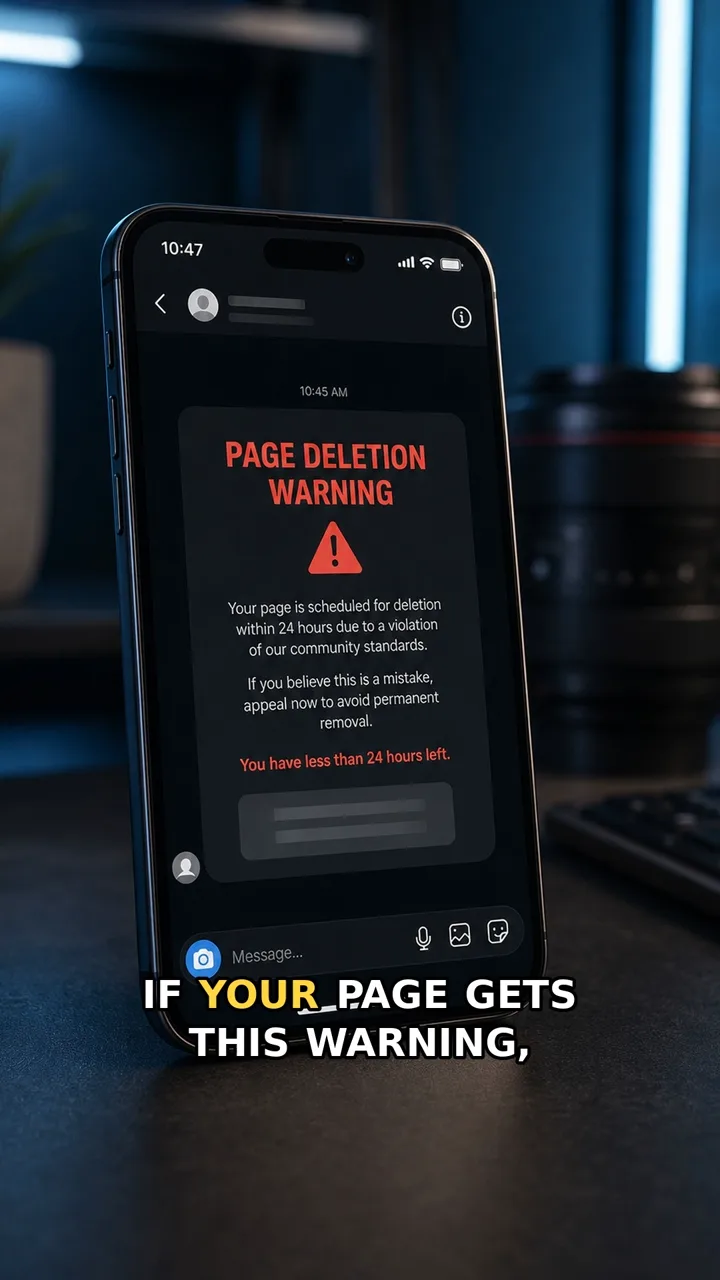
A message says your page may be deleted soon and pushes you toward an appeal or login link.
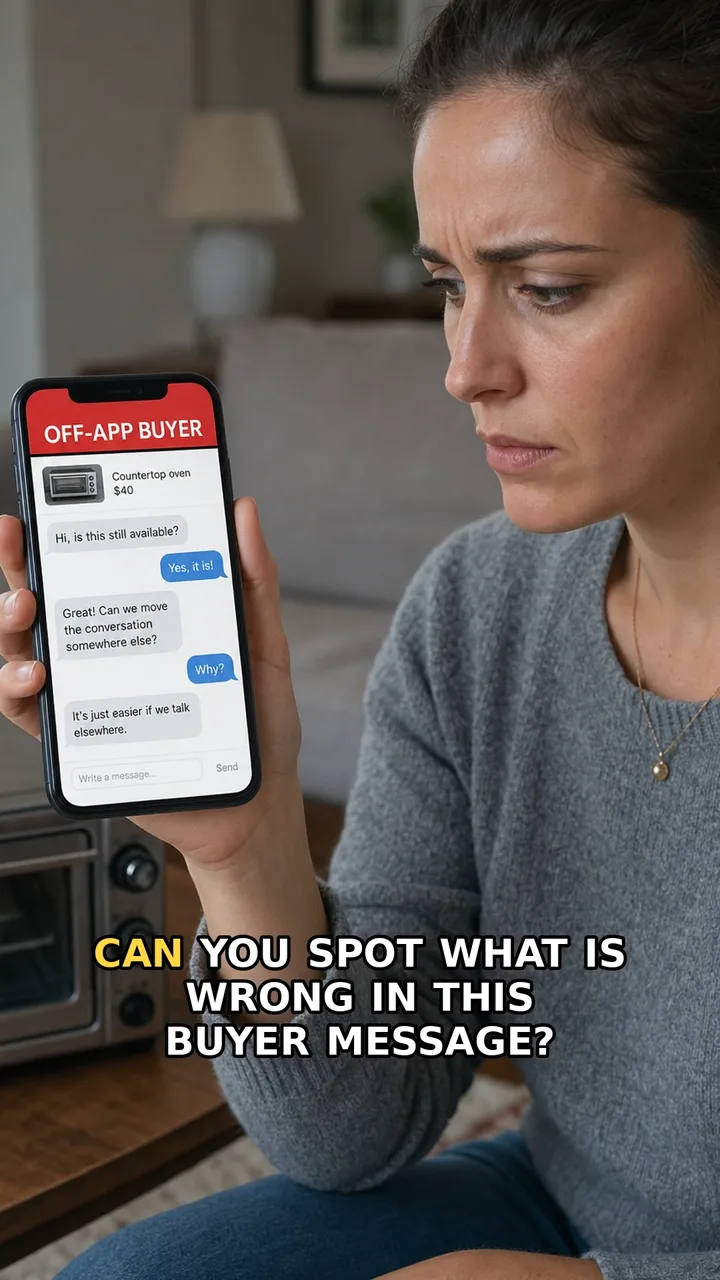
A marketplace buyer message asks to continue the chat, delivery, or payment somewhere outside the app.
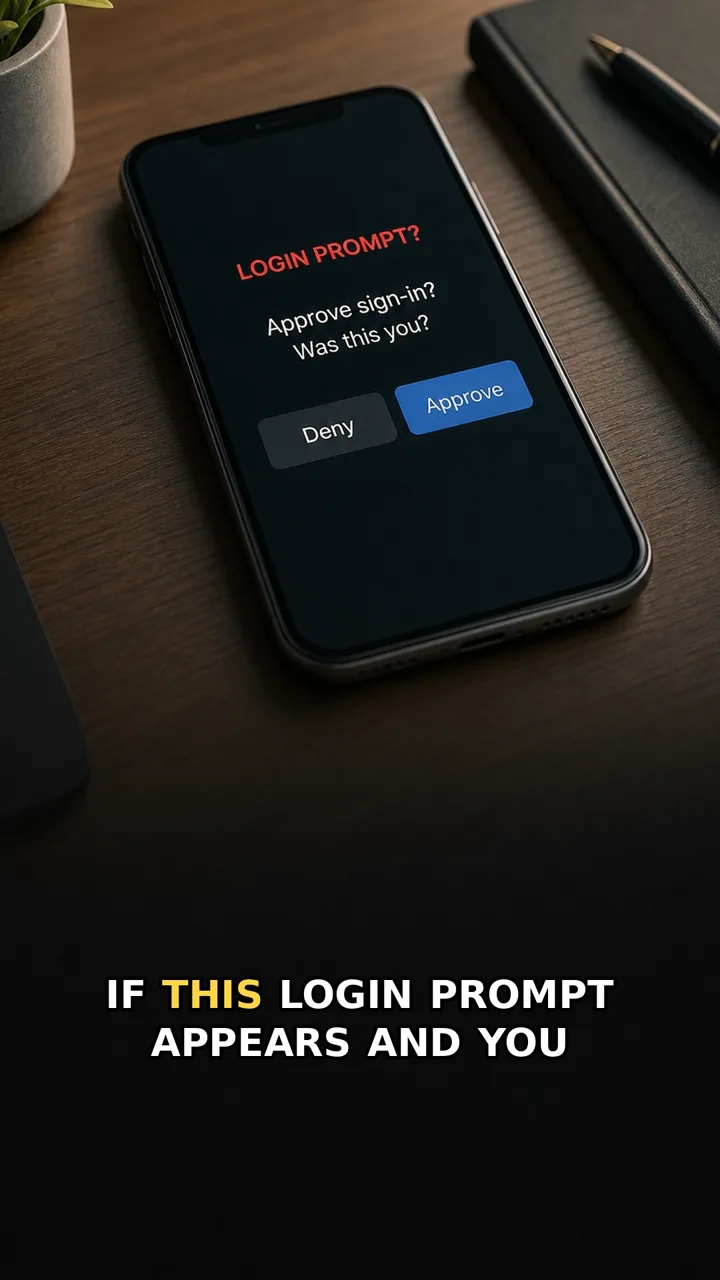
A phone shows an unexpected sign-in approval request with Deny and Approve buttons.
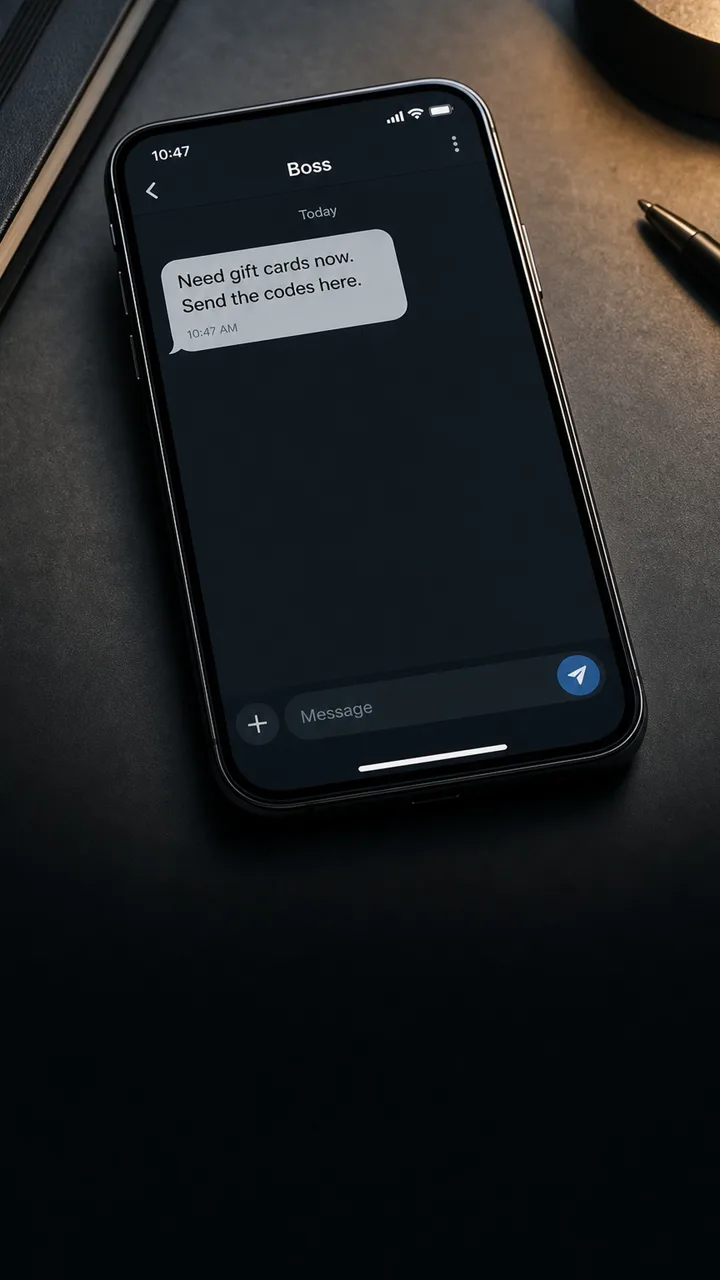
A workplace chat or email where a boss or manager asks you to buy gift cards and send the codes quickly.
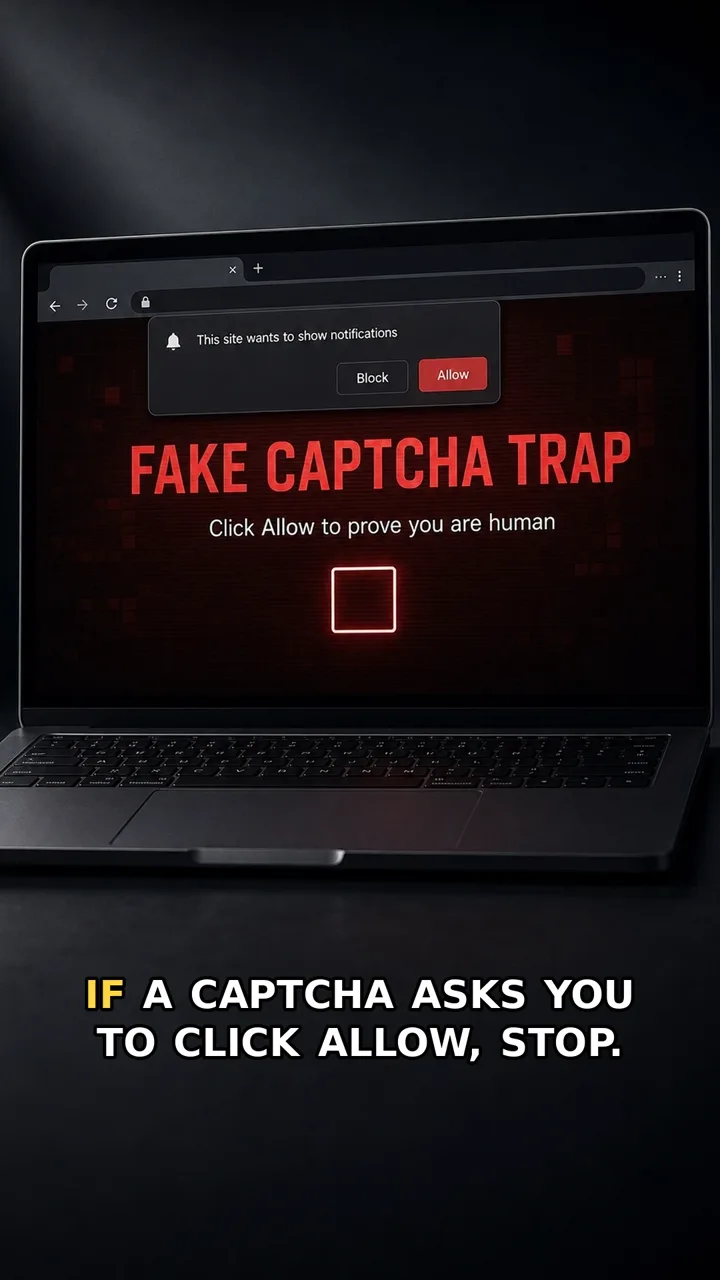
A fake CAPTCHA page that asks you to click Allow on a browser notification popup before continuing.
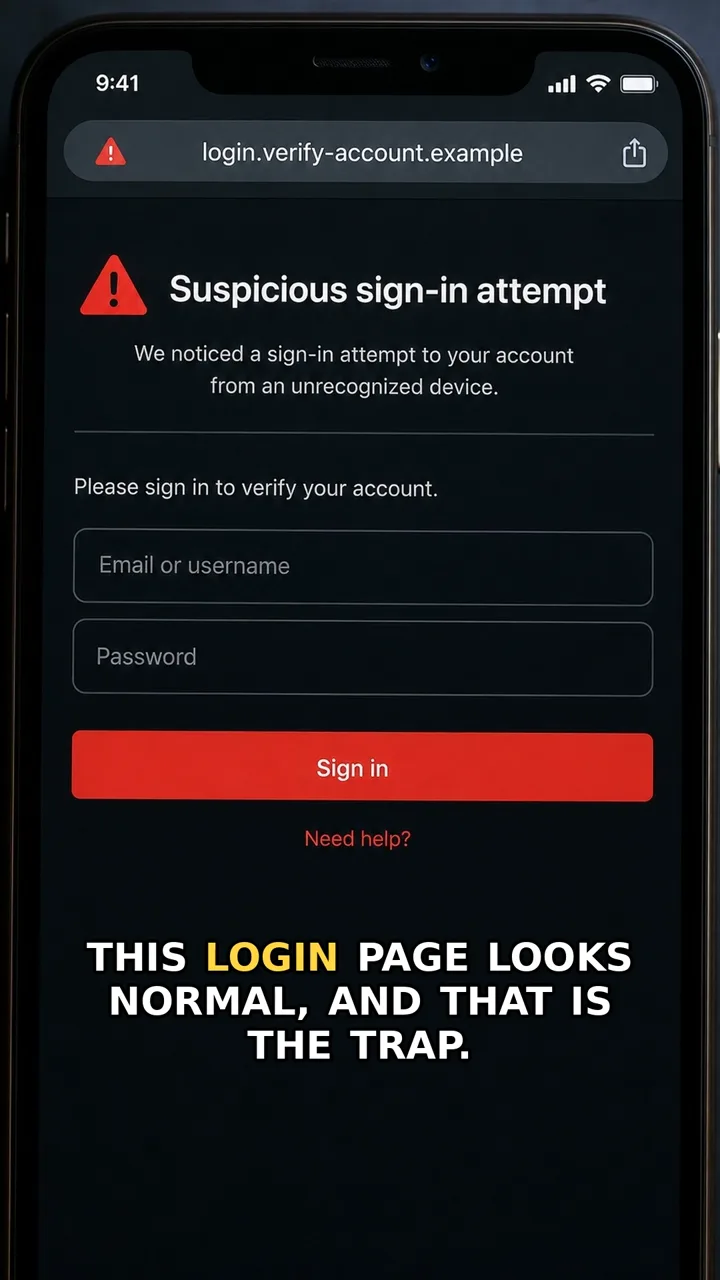
A phone or laptop showing a login form that came from a message link, with an odd or unfamiliar web address.
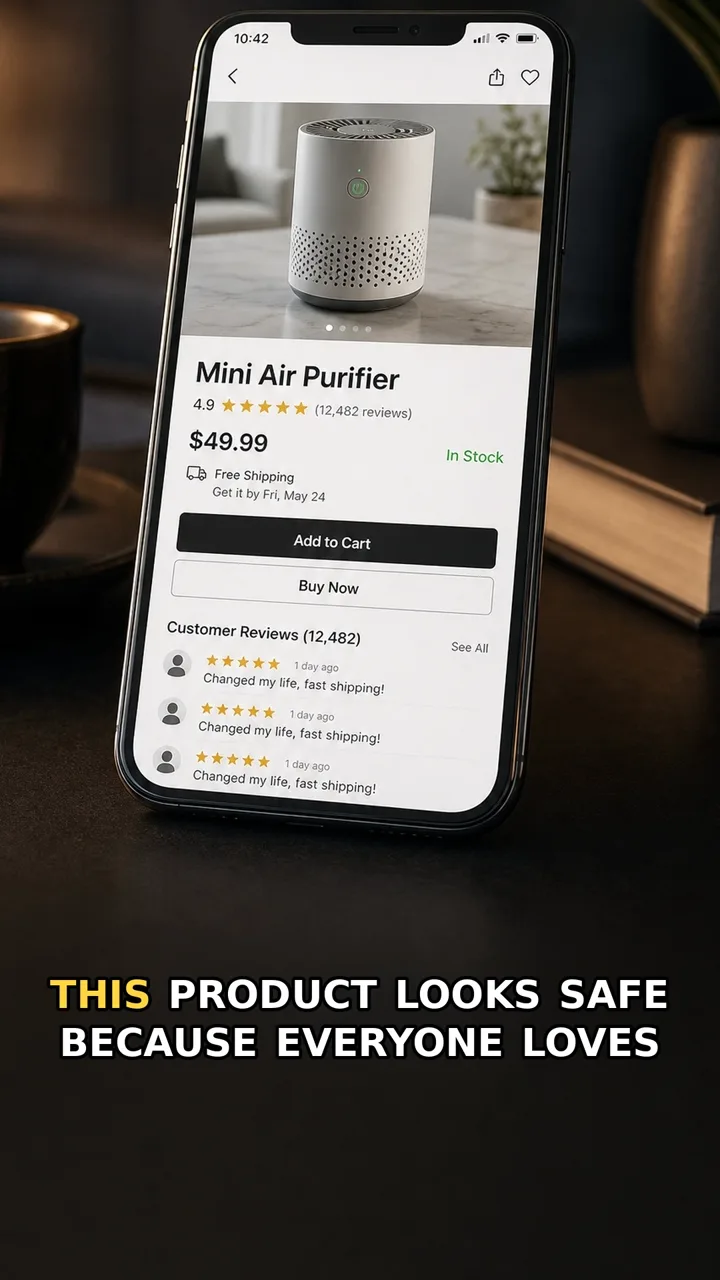
A shopping page with many similar five-star reviews and repeated phrases.
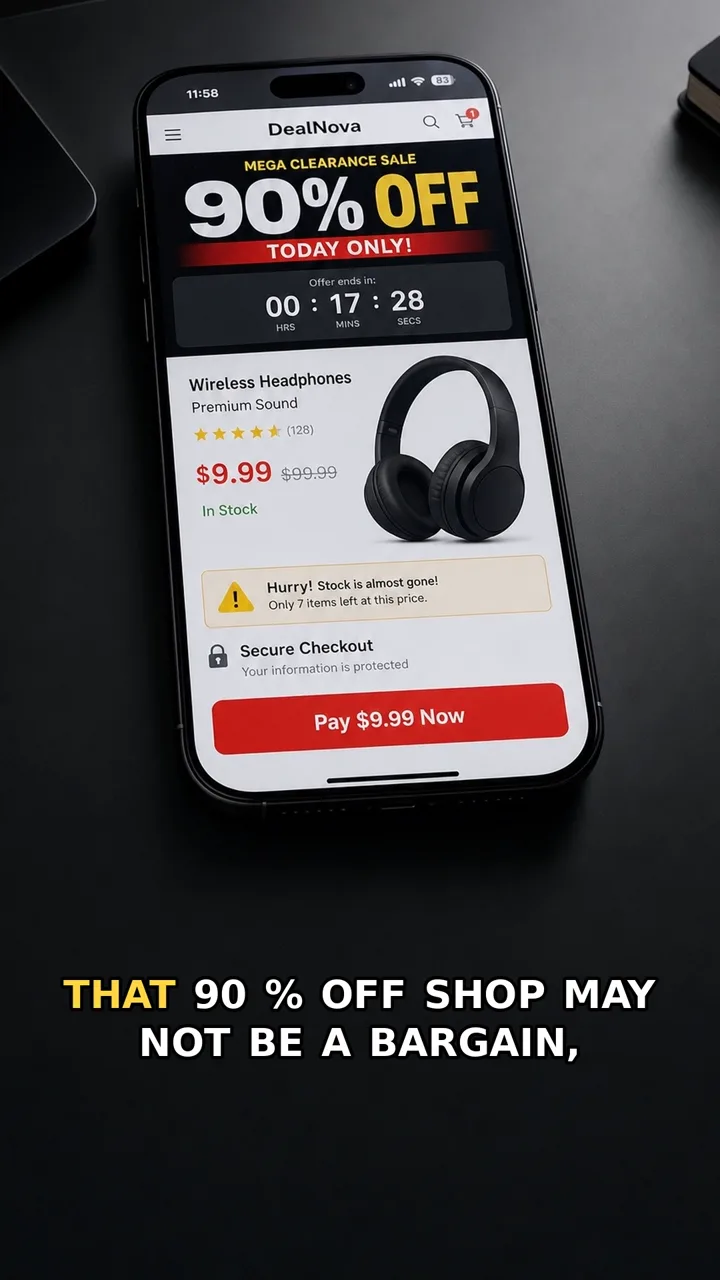
A clean online shop page with a huge discount, countdown timer, and very little reliable store information.
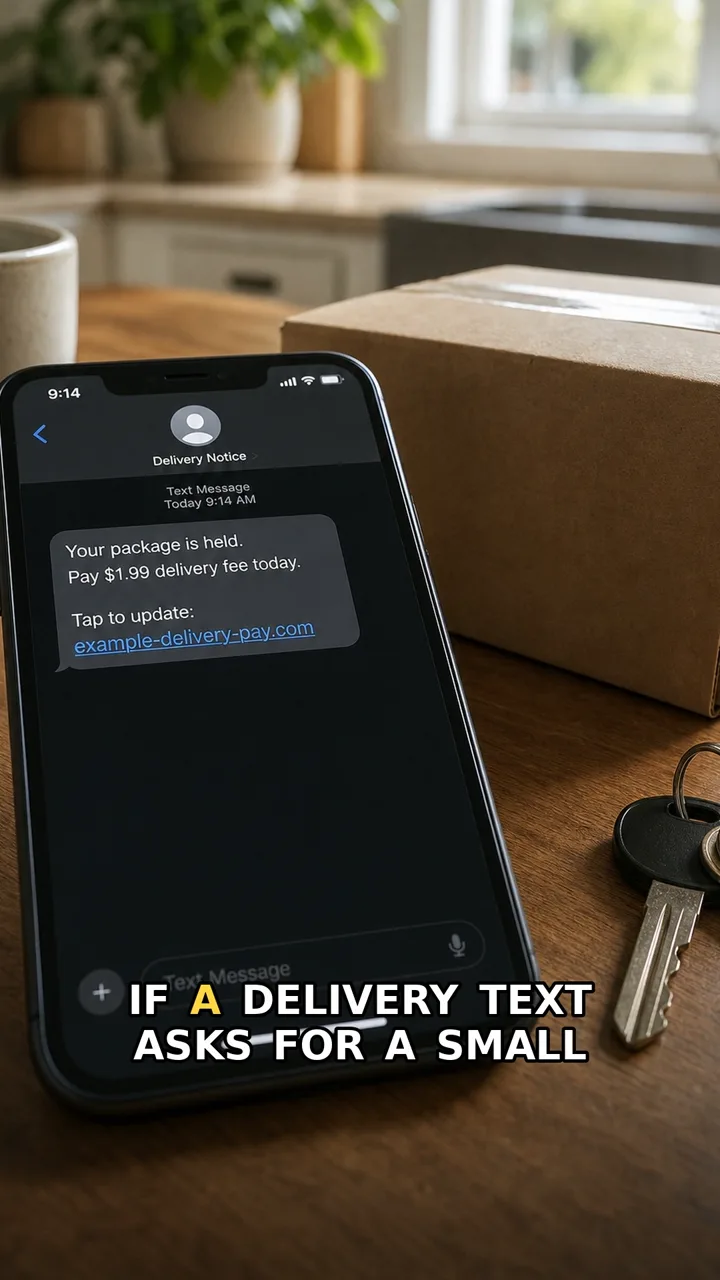
A phone showing a delivery text with a small fee, a deadline, and a link.
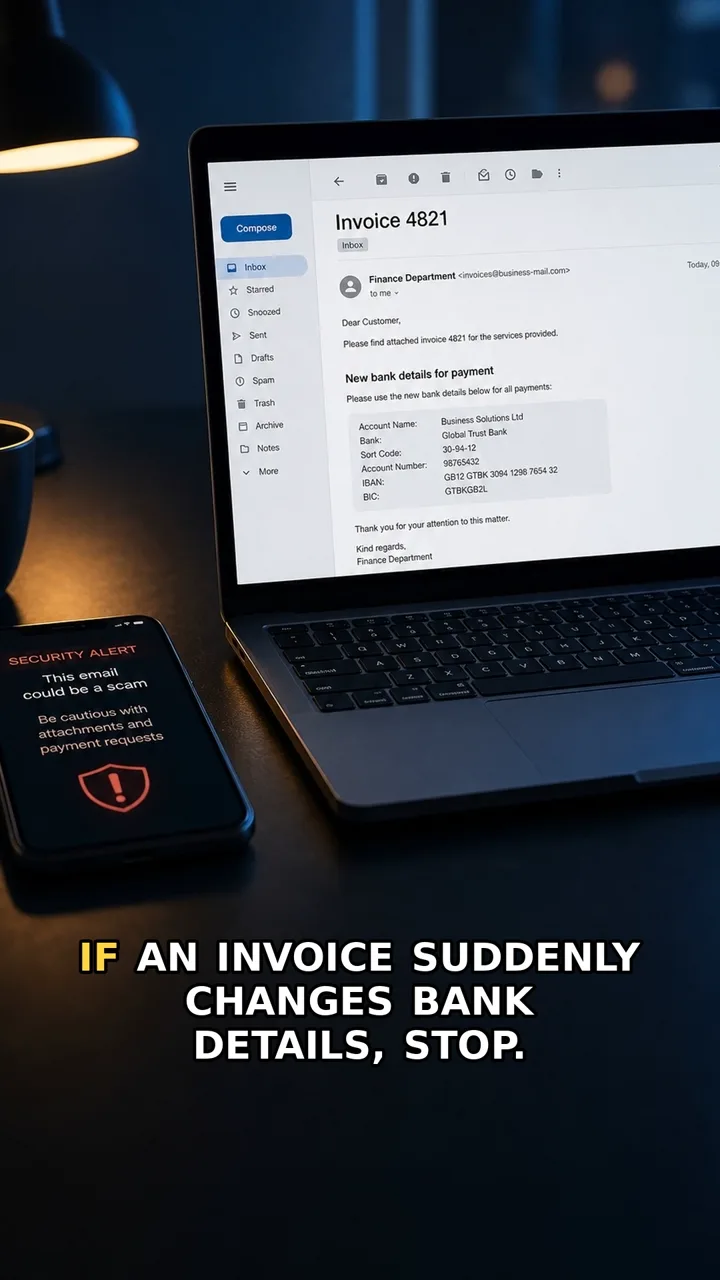
An invoice email showing a new bank account or changed payment details.
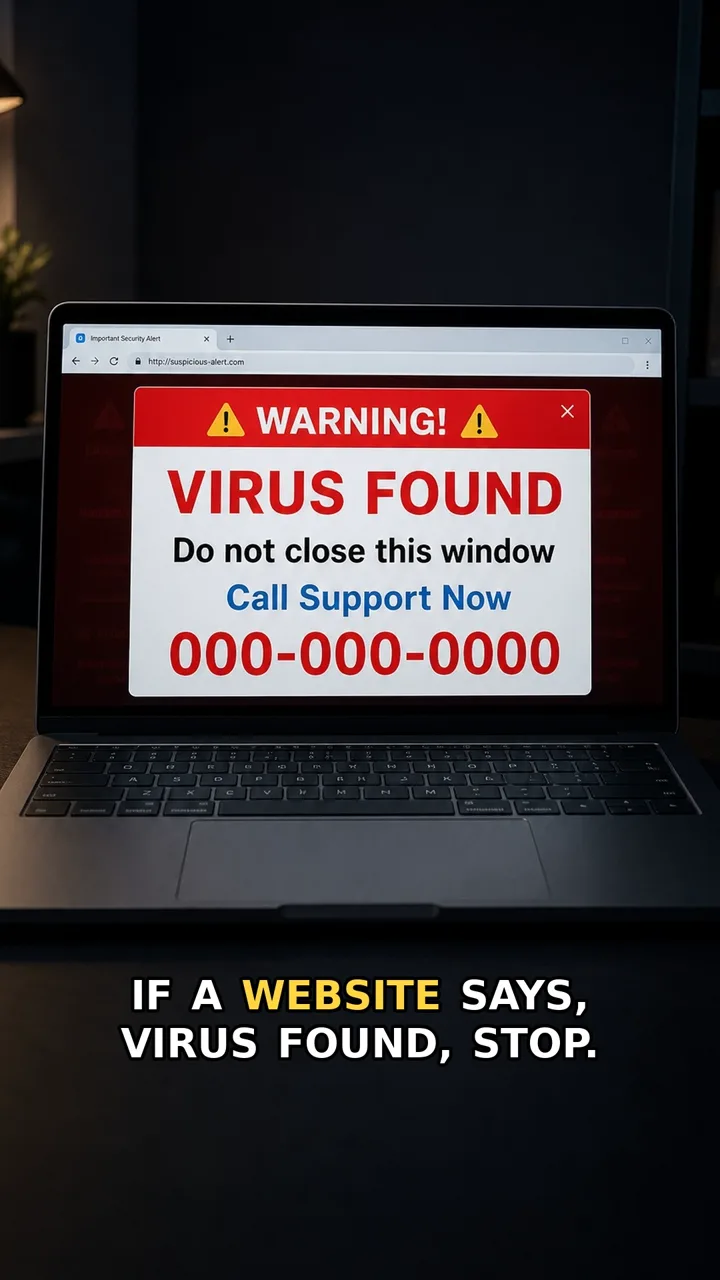
A browser window showing a scary support warning and a phone number.
Use the buttons, mouse wheel, trackpad, or swipe. Three examples stay visible on desktop.
What brought you here?
Pick the screen or request in front of you.
You do not need to know the scam name. Start with the situation: text, popup, money request, login page, payment change, or family panic message.
Check sender pressure, shortened links, and payment requests before opening anything.
I saw a popup Do not call the numberScary browser warnings and fake support screens are built to make you rush.
Payment route changed Verify outside the messageConfirm bank-detail changes through a trusted contact method you already had.
Someone asks for money Reduce the damageClose the page, secure accounts, contact your bank or provider, and preserve evidence if needed.
Free checklist
Digital Red Flags Checklist
Save a simple one-page checklist for suspicious texts, popups, login pages, payment requests, and urgent family messages. No newsletter gate for now — just the useful bit, terribly radical.
Latest guides
Match the screen. Then take one safer move.
Each guide is written for the person looking at a suspicious screen right now — not for cybersecurity experts, and not for lectures after the fact.
Remote Access Call
Real support does not need to control your screen.
Red flag: The caller asks you to install or approve a screen-control tool before you have verified them through an official route.
Safer move: End the call. Open the official app or website yourself and contact support from there.
Parking QR Trap
That QR sticker can steal your parking payment.
Red flag: The QR code is a sticker placed over or beside the real parking instructions, and it sends you straight to a card-payment page.
Safer move: Do not pay from a random sticker QR. Use the official parking app, or type the address shown on the meter yourself.
Refund Card Trap
A refund should not need your full card again.
Red flag: The page asks for full card details to receive a refund instead of sending the refund back to the payment method already used.
Safer move: Close the link. Open the delivery app or website yourself and check the refund or order status there.
Save this page
Use it before you click next time.
TrueTraceShorts is built for quick checks: suspicious text, popup, invoice, login page, checkout, or account warning. If you are unsure, pause and verify through a trusted app or website you open yourself.
Do not paste private links, phone numbers, card details, passwords, or personal information into public comments or messages.