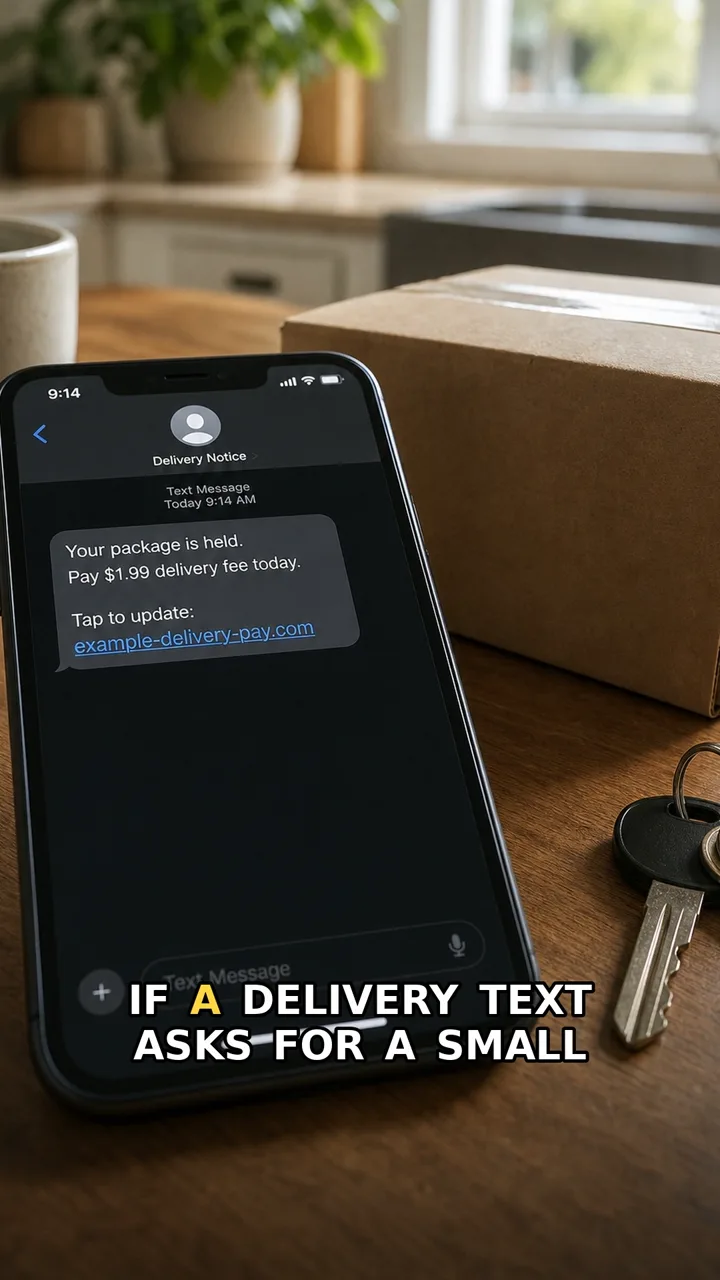
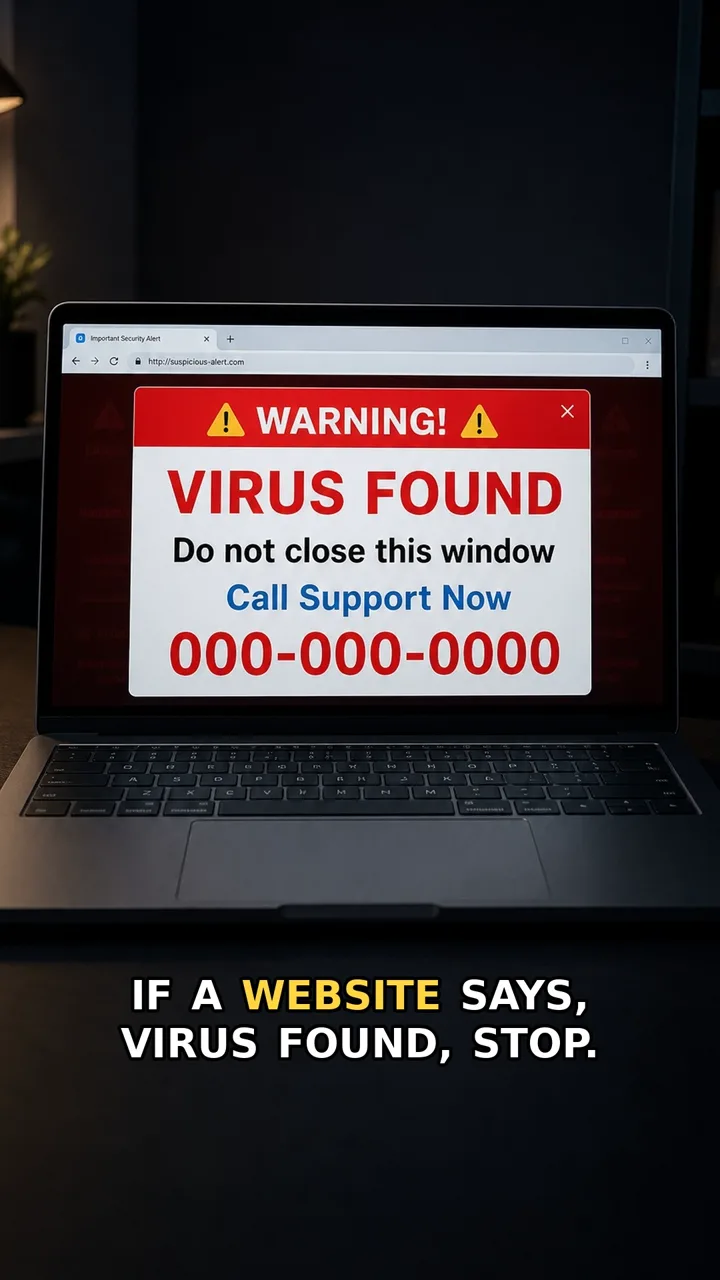
A fake login page works because it looks routine. The form, button, and warning can feel familiar — but the address bar is often the clue.
The safer move is simple: do not sign in from the message link. Close it, open the real app or website yourself, and check whether the alert is still there.
Do this first
Next 5 minutes
- Close the message link and open the real app or website yourself. If the alert is real, it will still appear after you sign in safely.
- If you did not type a password, close the page and open the real app or website yourself.
- If you entered a password, change it immediately from the official app or website.
- If the account protects money, work, email, or identity documents, turn on two-factor authentication and check recent sign-ins.
Then continue with the red flag and checklist below. If you already entered details or paid, open already-clicked help.
The red flag
The page asks for your password after a scary message, but the address bar is long, unfamiliar, misspelled, or not the site you normally use.
Why it works
People focus on the familiar login form and the urgent warning. Scammers copy the look of a sign-in page so the wrong address is easy to miss.
Safer move
Close the message link and open the real app or website yourself. If the alert is real, it will still appear after you sign in safely.
If you already clicked
- If you did not type a password, close the page and open the real app or website yourself.
- If you entered a password, change it immediately from the official app or website.
- If the account protects money, work, email, or identity documents, turn on two-factor authentication and check recent sign-ins.