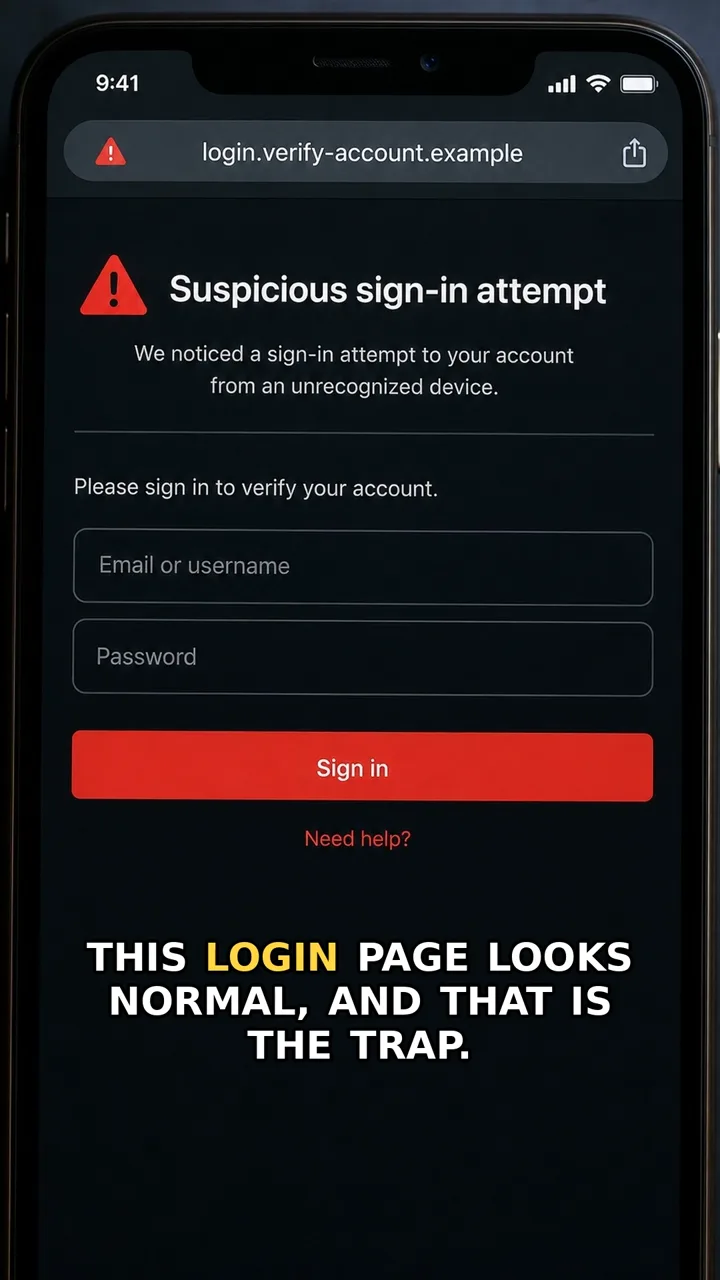
A fake page deletion warning can look official at first. It may say your page will be removed soon and push you to appeal quickly.
The red flag is the link inside the message. That link can lead to a fake login or access page, where the scammer tries to take over the account.
The safer move is simple: close the message, open the platform from your normal app icon or bookmark, and check account alerts inside the real settings area. If the warning does not appear there, treat the message as bait.
Do this first
Next 5 minutes
- Close the message. Open the platform from your normal app icon or bookmark, then check account alerts inside the real settings area.
- If you only opened the message, close it and check account alerts from the real app or website.
- If you entered a password, change it from the official platform, enable multi-factor authentication, and sign out of other sessions.
- If you gave access to an app or link, remove suspicious connected apps and contact the platform through official support.
Then continue with the red flag and checklist below. If you already entered details or paid, open already-clicked help.
The red flag
The warning tells you to appeal or log in through a link inside the message.
Why it works
The message creates panic, so creators may click before checking whether the warning is real inside the platform.
Safer move
Close the message. Open the platform from your normal app icon or bookmark, then check account alerts inside the real settings area.
If you already clicked
- If you only opened the message, close it and check account alerts from the real app or website.
- If you entered a password, change it from the official platform, enable multi-factor authentication, and sign out of other sessions.
- If you gave access to an app or link, remove suspicious connected apps and contact the platform through official support.